Imagine a podcaster who spends as much time polishing audio as she does tweaking SEO tags, drafting newsletters, and juggling multiple support inboxes. This is the everyday reality for many independent creators and small‑to‑mid‑size agencies.
The Hidden Cost of a Fragmented Stack
When tools live in silos, two costly side‑effects emerge:
- Time leakage. Manual data entry, cross‑tool reconciliation, and repetitive reporting consume hours that could be spent creating content or strategizing growth.
- Inconsistent customer experience. Without a single view of the user journey, support tickets bounce, SEO recommendations get lost, and marketing messages become disjointed.
Google’s SEO Starter Guide warns that “managing multiple optimization tactics across platforms” quickly becomes unmanageable. HubSpot’s CRM overview notes that “manual data handling hampers sales and marketing alignment,” while Zendesk’s guide to customer‑service skills highlights the need for a unified ticket view to avoid service gaps. The NIST Cybersecurity Framework also reminds us that each additional integration expands the attack surface, raising compliance anxiety.
Enter Autonomous Operations
Autonomous operations are not a buzzword; they are a systematic approach where AI‑driven automation handles the “manage‑the‑work” layer, allowing humans to stay in the “do‑the‑work” zone. Meshline builds this layer on four pillars:
- SEO Automation. Real‑time keyword analysis, meta‑tag generation, and schema recommendations run without human prompting.
- Marketing Orchestration. Campaign scheduling, audience segmentation, and performance optimization are executed automatically.
- CRM Synchronization. Leads, contact updates, and pipeline stages flow seamlessly between content assets and sales funnels.
- Support Ticket Routing. AI classifies inquiries and assigns them to the appropriate agent or knowledge base, reducing response times.
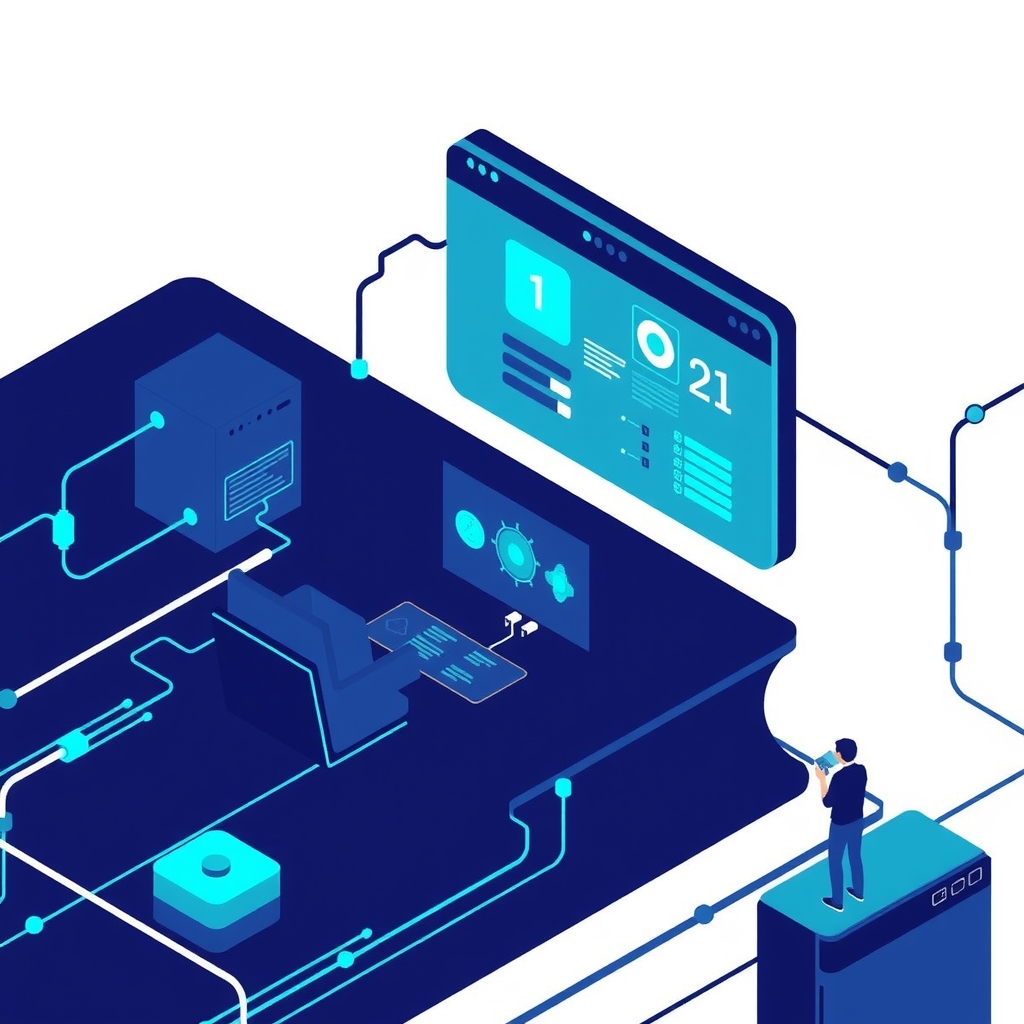
These pillars sit inside a single Meshline dashboard, turning a patchwork of vendors into one reliable, secure stack.
One Platform, No Vendor Sprawl
| Traditional Vendor | Typical Pain Point | Meshline Module | Benefit |
|---|---|---|---|
| SEO Agency (e.g., Ahrefs, SEMrush) | Separate onboarding, monthly reporting, and billing. | Auto‑SEO Engine | Instant health scores; no extra contracts. |
| Email Marketing Service (e.g., Mailchimp) | Manual list imports and template management. | Campaign Scheduler | Dynamic audience sync; one‑click send. |
| CRM (e.g., HubSpot, Salesforce) | Data silos and duplicate entry. | Unified CRM Layer | Single source of truth; auto‑enrichment. |
| Help‑Desk (e.g., Zendesk, Freshdesk) | Ticket routing rules need constant tweaking. | Smart Ticket Router | AI‑driven assignment; SLA compliance. |
Security Built‑In, Not Added On
Meshline embeds the NIST Cybersecurity Framework’s core functions directly into its automation engine:
- Identify: Asset inventory is auto‑generated from every connected data source.
- Protect: Role‑based access controls and end‑to‑end encryption guard data at rest and in transit.
- Detect: Anomaly detection flags unusual login patterns or data exfiltration attempts.
- Respond: Automated playbooks isolate compromised modules within minutes.
- Recover: Versioned backups enable point‑in‑time restoration without service interruption.
By consolidating integrations, Meshline reduces the number of external connections, directly addressing the risk‑reduction recommendation in the NIST Framework.
Real‑World Scenarios in Action
Scenario: The Weekly Podcast Network
Situation. A host releases a new episode each week. She currently spends evenings updating SEO tags in a keyword tool, copying episode URLs into an email platform, and manually logging listener questions into a spreadsheet.
Meshline Workflow. As soon as the episode file lands in the content repository, Meshline’s Auto‑SEO Engine scans the transcript, generates meta tags, and injects schema markup. Simultaneously, the Campaign Scheduler drafts a newsletter, pulls the episode link, and queues it for the optimal send time based on audience engagement data. Listener emails that hit the support inbox are classified: “technical issue” tickets are auto‑routed to the engineering queue, while “content request” tickets go to the community manager. All actions are logged in the Unified CRM Layer, updating the host’s lead score for sponsors.
Scenario: Boutique Agency Managing Multiple Clients
Situation. The agency runs SEO, paid media, email, and help‑desk campaigns for several clients. Reporting requires merging data from multiple dashboards into a master spreadsheet, a process that takes a full day each month.
Meshline Workflow. Each client is onboarded once into Meshline. The Auto‑SEO Engine applies Google‑recommended best practices automatically, while the Campaign Scheduler aligns paid media spend with organic peaks. Lead data from ads flows directly into the Unified CRM Layer, which enriches contacts with engagement signals. The Smart Ticket Router consolidates support tickets from multiple channels (chat, email, social) into a single view. At month‑end, Meshline generates a unified performance report that includes SEO health scores, ROI, pipeline velocity, and CSAT—all downloadable with a single click.
Scenario: E‑Learning Startup Founder
Situation. The founder wants to create new courses but is stuck handling lead nurturing emails and student support tickets across several platforms.
Meshline Workflow. The Auto‑SEO Engine optimizes course landing pages for search. When a prospect signs up for a free preview, the Campaign Scheduler triggers a personalized drip sequence that adapts based on video watch time. As students submit questions, the Smart Ticket Router routes technical queries to the development team and content questions to the curriculum lead. All interactions update the Unified CRM Layer, enabling the founder to see which courses generate the highest conversion rates without leaving the dashboard.
Concrete Workflow Blueprint
Below is a step‑by‑step flow that any creator or agency can replicate on Meshline:
- Ingest Content. Upload audio/video files or blog drafts to Meshline’s Content Hub.
- Trigger Auto‑SEO. The engine parses the text, suggests target keywords, and auto‑populates meta fields.
- Enrich CRM. Meshline matches the content URL to existing contacts; new visitors become leads with source attribution.
- Schedule Campaign. Based on historical engagement, the Campaign Scheduler selects the optimal send window and drafts copy using AI‑assisted suggestions.
- Monitor Support. Incoming messages are classified; high‑priority tickets are escalated, while routine FAQs are answered by a knowledge‑base bot.
- Review Dashboard. Real‑time analytics display SEO health, email open rates, pipeline stage changes, and ticket resolution times in one pane.
- Iterate. Meshline’s AI recommends adjustments—e.g., “increase keyword density on paragraph 3” or “segment email list by engagement score.”
Trade‑offs to Consider
- Initial Setup Effort. Consolidating data from legacy tools into Meshline requires a one‑time migration plan and data cleansing.
- Control vs. Automation. Creators may feel uneasy handing strategic SEO tweaks to AI; Meshline mitigates this by surfacing recommendations for human approval rather than blind execution.
- Vendor Relationship Shift. Existing contracts with specialized agencies may need renegotiation or termination, which can involve legal review.
- Learning Curve. Teams accustomed to separate dashboards must adapt to a unified interface; training sessions are recommended.
Implementation Roadmap
Discovery & Data Mapping
- Audit current vendor stack: list tools, contracts, data schemas.
- Identify key data sources (CMS, email platform, CRM, ticketing system).
- Define success metrics: hours saved, reduction in vendor spend, CSAT target.
Migration & Integration
- Use Meshline’s import wizards to pull historical SEO reports, email lists, and ticket archives.
- Map fields to the Unified CRM Layer (e.g., first name, last interaction).
- Set up role‑based access controls and enable two‑factor authentication.
Automation Configuration
- Activate Auto‑SEO rules: select target keyword lists, set schema templates.
- Configure Campaign Scheduler triggers (e.g., “new blog post → send newsletter in 2 hours”).
- Train the Smart Ticket Router with sample tickets; fine‑tune classification confidence thresholds.
Validation & Go‑Live
- Run a parallel test: compare Meshline‑generated SEO tags against manual tags for a sample of content.
- Monitor KPI dashboard; ensure data integrity and SLA compliance.
- Conduct a short training session for all stakeholders and roll out the unified dashboard.
Operator Checklist for Ongoing Success
- ✅ Verify that new content automatically triggers the Auto‑SEO Engine.
- ✅ Review weekly AI recommendations and approve or edit as needed.
- ✅ Audit CRM data for duplicate records after each major import.
- ✅ Check ticket routing accuracy; adjust classification rules quarterly.
- ✅ Run monthly security scans using Meshline’s built‑in NIST compliance dashboard.
- ✅ Update success metrics and share a concise performance snapshot with leadership.
Addressing Common Objections
“I don’t trust AI to handle SEO; I need a specialist.”
Google’s starter guide recommends automating routine tasks—such as meta‑tag generation—while reserving strategic decisions for humans. Meshline follows this model: the engine handles the repetitive work, and the creator reviews strategic recommendations before publishing.
“Our CRM is already built around HubSpot; switching will break workflows.”
HubSpot itself emphasizes a “single source of truth.” Meshline can ingest existing HubSpot data, preserve pipelines, and then enrich records with automated insights, so no re‑engineering of core processes is required.
“Support quality will suffer if tickets are auto‑routed.”
Zendesk’s best‑practice guide shows that intelligent routing improves response time and consistency. Meshline’s Smart Ticket Router uses the same classification logic, ensuring tickets land with the right agent and SLA metrics improve.
“More integrations mean more security risk.”
The NIST framework advises reducing the number of external connections. By consolidating multiple vendors into a single, hardened platform, Meshline actually lowers the overall attack surface.
“Automation sounds expensive for a small team.”
While pricing varies by plan, the ROI comes from reclaimed hours and the elimination of multiple vendor fees.
Take the Next Step
Creators and agencies that remain shackled to a patchwork of tools will continue to lose hours, incur security liabilities, and deliver uneven experiences. Meshline’s autonomous operations replace that sprawl with a single, secure platform that lets you focus on what matters—creating, strategizing, and growing.
Schedule a personalized demo today and see how the autonomous dashboard can reclaim your time, tighten security, and deliver consistent performance across SEO, marketing, CRM, and support—all from one place.
Authoritative references for implementation
Use Google's SEO Starter Guide to ground search decisions, HubSpot's CRM overview to map the customer record, Zendesk's customer‑service guidance to define support quality, and the NIST Cybersecurity Framework to structure operational risk controls.