
 MeshLine
Agency Productivity Automation: Briefs, SEO, Publishing, and Reporting
Use agency productivity automation for briefs, SEO, publishing, and reporting to remove coordination drag and turn strategy into reliable.
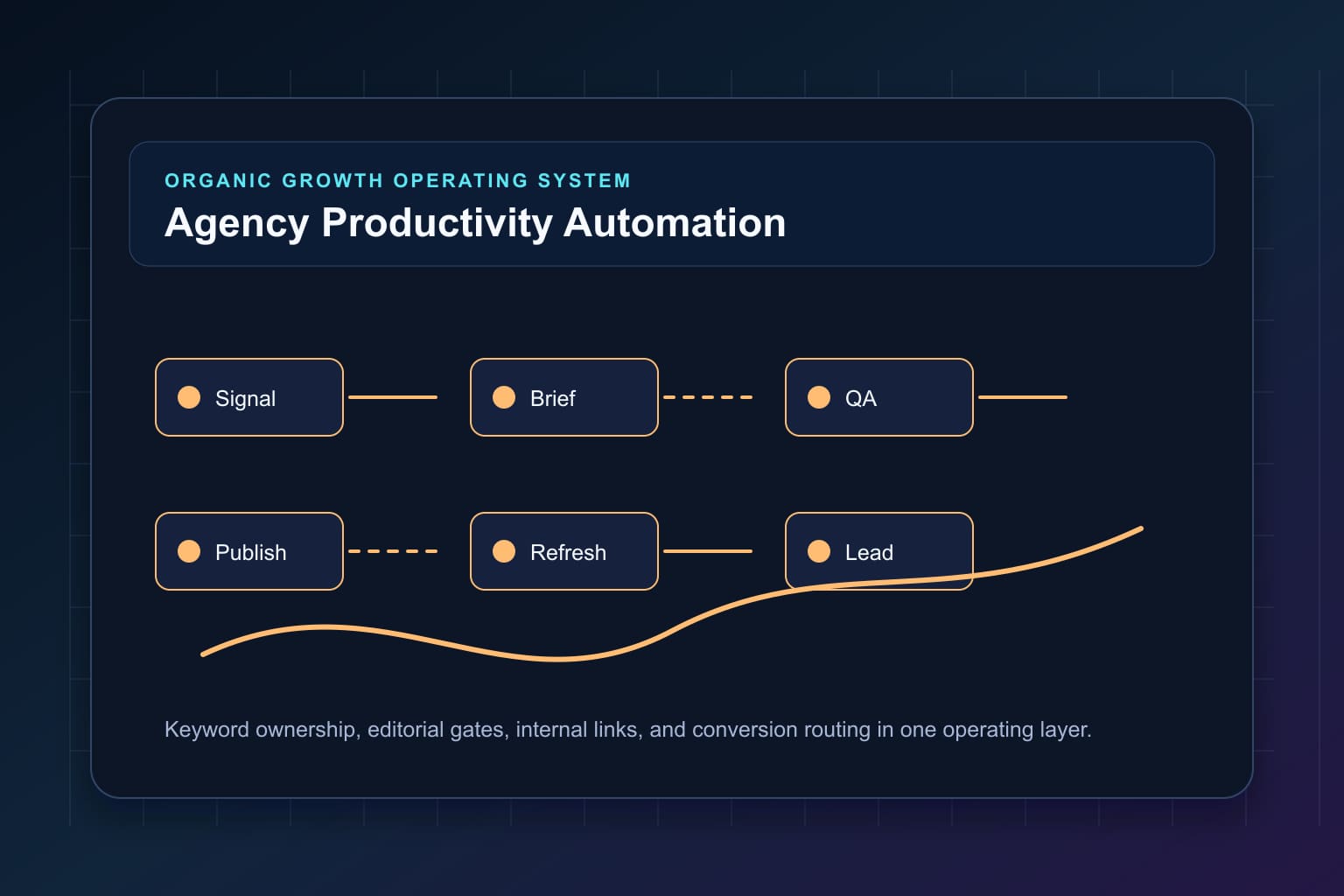
Agency productivity automation — briefs, SEO, publishing, and reporting — is about offloading repetitive coordination, not replacing judgment. For founders and account leads, the goal is simple: make the path from strategy to live asset predictable, measurable, and fast. That means turning recurring tasks (requesting inputs, checking links, scheduling, compiling monthly reports) into automated steps while keeping humans responsible for decisions that matter.
Start by mapping ownership to outcomes
Before you wire automation, map who owns what outcome. A brief isn't just a doc: it's the moment a campaign moves from 'idea' to 'executionable asset.' Assign three roles per asset: Strategist (defines intent and KPIs), Writer/Producer (owns execution), and Publisher (owns live asset quality and timing). Use that RACI to drive notifications and approval gates instead of ad-hoc Slack pings. When these roles are explicit you can automate confirmations (e.g., “writer acknowledged brief”) and measure lead time between handoffs.
Automate briefs without losing craft
Brief automation should remove friction, not creativity. Practical approach:

- Standardize fields that matter: target keyword(s), intent, primary CTA, desired URL, internal links, data sources, must-have quotes, and deadline. Keep the template short — long forms get ignored.
- Validate mechanically: require a keyword, target URL, and a deadline before a brief can be moved to 'Ready.' This prevents back-and-forth and prevents partial briefs from blocking pipelines.
- Attach versioned assets: let writers upload a working doc link; automation copies metadata to the CMS entry when the article is ready to publish.
- Example tradeoff: enforcing a strict template reduces rework but can frustrate senior strategists. Solve by letting experienced strategists use a short-form override with a required 1-line rationale.
Tooling note: push brief acceptance and task creation into your project management tool or trigger a CMS draft via API. If you use our Organic Marketing Engine, it can link briefs to content tasks and SEO checklists automatically (/products/organic-marketing-engine).
SEO: templates, guardrails, and human checks
Automation helps standardize on-page SEO: meta templates, schema, canonical tags, and internal link suggestions. But SEO judgment remains human:
- Use templates for meta title and description with variables the writer can override. That reduces accidental missing metas while keeping copy control.
- Automate an internal-linking suggestion engine: surface 3–5 candidate pages from your content map, but require an editor to confirm inclusion. This avoids broken or irrelevant links while speeding decisions.
- Automate technical checks (headers, image alt, load time) as before launch gates; keep semantic and angle decisions for humans.
Practical KPI: measure lift by tracking percentage of drafts that pass automated SEO checks before editorial review. Aim to have 60–80% of items pass basic checks; the rest should flag for manual fixes.
Publishing and approvals: orchestrate — don't replace — judgment
Publishing is where automation touches the public web. Build a publishing pipeline that preserves approvals and creates repeatability:
- Staged publishing: generate a preview URL automatically when an article reaches 'Ready for Review.' That gives stakeholders a single place to approve instead of email threads.
- Approval automation: send structured approval requests with explicit accept/reject options and a one-click comment flow. If no response in a defined window, escalate to the Publisher role.
- Deploy automation for routine tasks: image resizing, alt text standardization, tag assignment, and canonicalization. Keep the final publish step manual for high-impact pages or gated behind a two-person sign-off for product/PR content.
Tradeoff example: fully automated publishing saves hours but can let mistakes slip into live pages. A practical middle-ground is automated staging and two-step publish for top-traffic content while allowing small, low-risk posts to publish automatically after passing checks.
Reporting: automate signals, keep interpretation human
Reporting automation should pull reliable signals and leave narrative synthesis to operators. Build reports that combine:
- Health signals: content uptime, broken links count, and publish lead times.
- Performance signals: impressions, CTR, organic sessions, and conversion events (mapped to the asset).
- Operational signals: briefs completed vs. drafts started, average time in review, and number of escalations.
Automate weekly dashboards and anomaly alerts (e.g., traffic drop >30% week-over-week) but assign a human owner to interpret and act. For recurring client reports, use templates that populate automatically from analytics and CMS sources, then schedule a human review to add insight and next steps.
We help teams automate the data plumbing while keeping story-writing under human control; if you want help wiring this, see our agency automation services for hands-on execution (/services/marketing-automation-services-for-organic-growth-teams).
Implementation roadmap — 6 pragmatic steps
- Prioritize one workflow: pick briefs, publishing, or reporting. Start where coordination causes the most rework.
- Define minimal template and roles.
- Automate mechanical validations and notifications.
- Build preview/staging URLs and one-click approvals.
- Add SEO and technical before launch checks.
- Automate report templates and set human review cadences. Keep iterations short — implement the minimal automation that reduces repeated manual handoffs.
Common failure modes and how to avoid them
Avoid three predictable problems: over-automation, under-specified briefs, and missing ownership. Countermeasures:
- Over-automation: add manual review steps for high-risk content. - Under-specified briefs: require a minimal set of fields and a responsible strategist sign-off. - Missing ownership: enforce role acknowledgements and escalate automatically.
Decision-stage next step
If you want to move from concept to a repeatable pipeline without adding full-time headcount, book a demo. We’ll show how to connect briefs to publishing and reporting pipelines, and which parts to automate first to reduce cycle time and errors (/contact).
Further reading: our product page on the Organic Marketing Engine outlines how automation plugs into content workflows (/products/organic-marketing-engine), and the Meshline glossary explains terms you’ll use as you build the pipeline (/glossary). For more tactical articles about operations and automation, visit the Meshline blog (/blog).
Keep Building the System
If this is the workflow your team is trying to clean up, the next useful move is to connect the article's ideas to the operating layer behind it. Start with Organic Marketing Engine, Agency automation services, Meshline blog, then use the demo path when you are ready to map the handoffs around your own growth system.
Practical operating checks
In Agency Productivity Automation: Briefs, SEO, Publishing, and Reporting, use this section to turn the workflow automation idea into a visible operating decision. The goal is to make the next handoff obvious before volume increases.
Monday morning diagnostic
For Agency Productivity Automation: Briefs, SEO, Publishing, and Reporting, start by checking the last five examples where the workflow stalled. Write down the trigger, the source system, the owner, the next action, and the moment the customer or lead received a response. If one of those fields is missing, the workflow is relying on memory.
First workflow to tighten
For Agency Productivity Automation: Briefs, SEO, Publishing, and Reporting, step 1 is to choose one handoff and make it measurable. For example, define what should happen when a qualified lead arrives, when a content brief is approved, when a CRM record changes, or when a reconciliation exception appears. The smaller the first rule, the easier it is to prove.
Checklist before you scale
- For Agency Productivity Automation: Briefs, SEO, Publishing, and Reporting, Confirm the page or workflow has one owner.
- For Agency Productivity Automation: Briefs, SEO, Publishing, and Reporting, Confirm the source system and destination system agree on the key fields.
- For Agency Productivity Automation: Briefs, SEO, Publishing, and Reporting, Add one quality check that catches bad data before it reaches a reader, lead, or customer.
- For Agency Productivity Automation: Briefs, SEO, Publishing, and Reporting, Add one relevant Meshline resource link that helps the reader take the next step.
- For Agency Productivity Automation: Briefs, SEO, Publishing, and Reporting, Review the result after seven days and improve the rule before adding more volume.
Related Meshline resources
Use Agency Productivity Automation: Briefs, SEO, Publishing, and Reporting with Organic Marketing Engine, Revenue Intel Module, Meshline glossary, and Book a Meshline demo when you want the workflow to connect back to pipeline instead of stopping at planning.