
 MeshLine
Does A/B Testing Hurt SEO? How to Test Search Pages Safely
Learn whether A/B testing hurts SEO and how to test search pages safely using Google's documented practices for cloaking, canonicals, redirects and test duration.
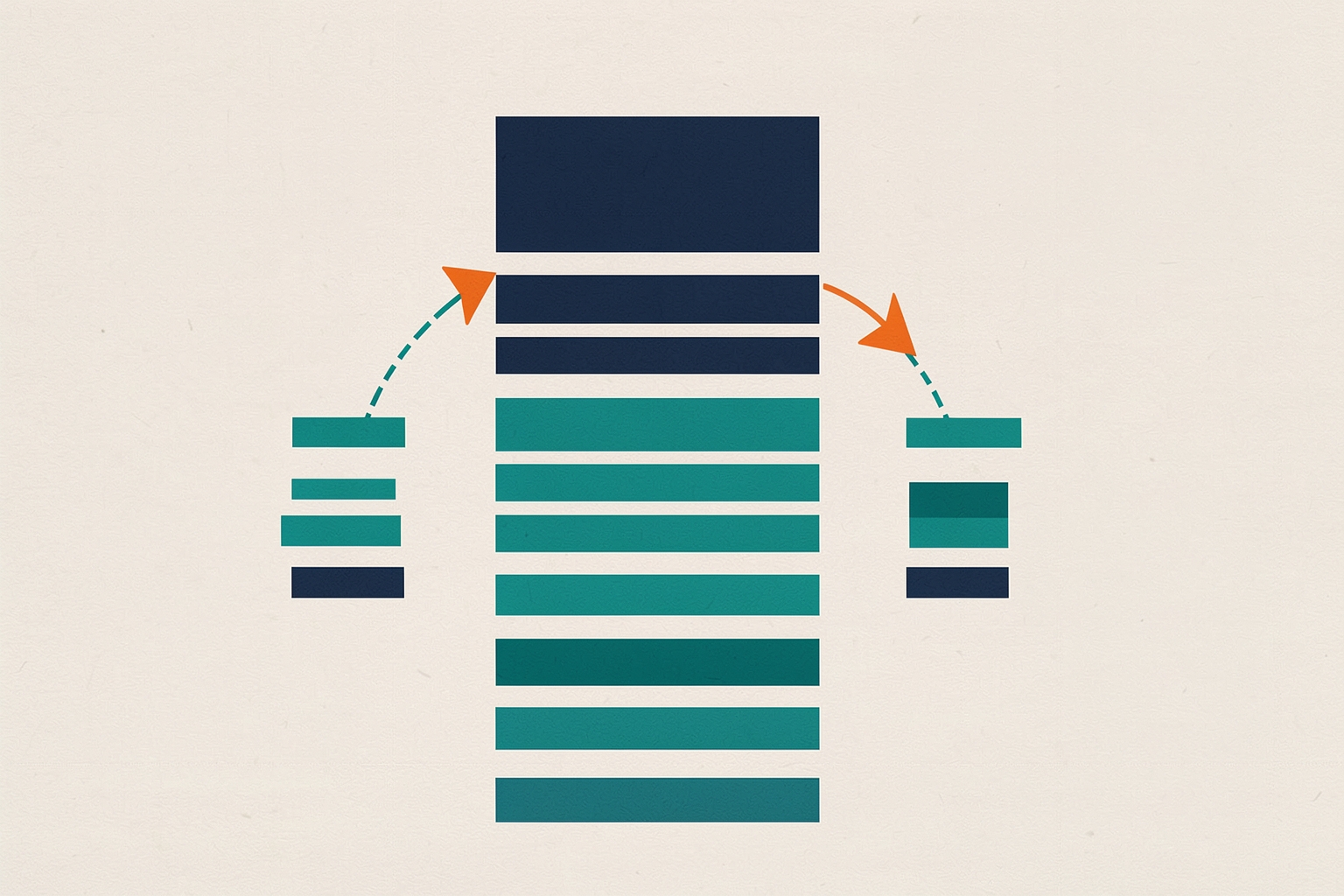
A/B testing does not hurt SEO when you run it correctly.
Google documents how to test website variations with minimal search impact, and the guidance is clear: the risk comes from how a test is set up, not from testing itself.
Cloaking, permanent redirects and abandoned experiments are the things that cause problems.
This article explains what actually affects rankings during a test, which setup choices protect your search pages, and how to wind a test down cleanly.
It is written for operators who coordinate marketing and sales systems and need to test landing pages without putting organic revenue at risk.
What Google actually says about testing and rankings
Google's documentation notes that small changes, like button size, color or wording, often have little or no impact on search snippets or rankings (Google Search Central).
Even so, such changes can meaningfully alter user behavior.
Google also notes that if its crawler detects and indexes your experiment, it will probably index the eventual updates you make fairly quickly after the test concludes.
In other words, a well-run test is a temporary state the search engine can handle.
The documented risks are specific:
- Cloaking. Showing Googlebot one set of URLs and humans another violates Google's spam policies, whether or not you are running a test. Google warns this can get a site demoted or removed from results.
- Running a test too long. Google may interpret an unnecessarily long experiment, especially one serving one variant to a large share of users, as an attempt to deceive search engines.
- Wrong redirect types. Using permanent redirects for a temporary test can signal that the original URL should be replaced in the index.
Everything else, including the fact that Google may crawl and index some of your variations during the test, is described as generally low-impact.
Google explicitly says it may not matter much if some content variations get indexed while you test.
URL-based tests versus same-URL tests
There are two documented ways to run a test, and they carry different SEO considerations.
Testing with separate URLs
You create multiple versions of a page, each with its own URL.
When users visit the original URL, some are redirected to the variation URLs, and you compare behavior across versions.
This approach needs the redirect and canonical safeguards described below.
Testing on the same URL
You insert variations dynamically on the page, for example using JavaScript to decide which variant to display.
No alternate URLs exist, so there is nothing to canonicalize or redirect.
One caveat: Googlebot generally does not support cookies, Google documents.
It will only see the content version shown to users whose browsers reject cookies.
For most teams testing a search-focused landing page, the same-URL approach is the simpler path because it removes the duplicate-URL question entirely.
The tradeoff is implementation complexity on the page itself, and you should confirm your testing tool renders content in a way crawlers can access.
Use rel=canonical, not noindex, on variation URLs
If you run a multi-URL test, put a rel=canonical link attribute on every alternate URL pointing to the original.
Google recommends canonical over noindex because it matches your intent.
You want test URLs grouped with the original as canonical, not dropped from the index.
Google warns that using noindex instead of rel=canonical in this situation can sometimes have unexpected bad effects.
That is the practical answer to a common operator question: prefer canonical over noindex on test variants of pages you intend to keep ranking.
If you need a refresher on how canonical tags work outside of testing scenarios, see how to specify a canonical URL for duplicate pages.
Use 302 redirects, not 301, for test traffic
When a test redirects users from the original URL to a variation URL, use a 302 temporary redirect, not a 301 permanent redirect.
The 302 tells search engines the redirect only exists while the experiment runs, so they should keep the original URL in the index rather than replacing it with the test page.
Google also confirms that JavaScript-based redirects are fine for this purpose.
The logic is straightforward: a 301 signals a permanent move, while a test is temporary.
Sending a permanent signal for a temporary change is the mismatch that creates risk.
Do not cloak your test pages
Cloaking means showing one set of URLs or content to Googlebot and a different set to humans.
Google counts it as cloaking whether you do it through server logic, robots.txt or any other method, and it is against spam policies with or without a test running.
The documented consequence is demotion or removal from Google search results.
The safe pattern Google describes instead is to use links or redirects, and to let Googlebot see the same accessible content users see.
If your testing setup depends on cookies or user-agent detection to hide variants from crawlers, redesign it before launch.
Run the experiment only as long as necessary
Test duration is where many teams create avoidable risk.
Google states that reliable test duration varies with conversion rates and site traffic.
A good testing tool tells you when enough data exists for a reliable conclusion.
Two practical rules follow from this:
- Let the tool's significance logic decide the end date rather than letting a test drift on a forgotten server.
- Once the test concludes, update your site with the winning variation and remove all test elements, such as alternate URLs, testing scripts and markup, as soon as possible.
Google warns it may interpret an unnecessarily long experiment as deception.
This is especially true if one variant is served to a large percentage of users.
A test that quietly runs for months after a decision was already made is the classic failure mode here.
A pre-launch checklist for testing search pages safely
Before you start a test on a page that earns organic traffic, confirm each of the following:
- Variant access. Googlebot can reach the original page and sees content comparable to what users see. No cookie-gated or user-agent-gated hiding of variants.
- Canonical tags. Every alternate URL in a multi-URL test carries a rel=canonical pointing to the original. No noindex on variants of pages you want to keep indexed.
- Redirect type. Any test redirects are 302 temporary redirects or JavaScript-based redirects, never 301s.
- End condition. The testing tool is configured to declare a reliable result, and someone owns the job of ending the test and removing scripts, markup and alternate URLs.
- Rollout plan. The winning variation will be applied to the original URL promptly after the test ends.
This checklist maps directly to Google's documented best practices, so it is a reasonable baseline rather than a guarantee.
Search performance also depends on factors outside your test, like competition and content quality.
Treat ranking movement during a short test with caution before attributing it to the experiment.
What about multivariate testing?
Multivariate testing means testing more than one type of change at a time, looking for the impact of each change and potential synergies between them.
Google's example: trying several button fonts while changing, and not changing, the rest of the page's font.
This reveals whether a font is easier to read everywhere or benefits from contrast.
The same SEO rules apply.
Multivariate tests usually run on the same URL with dynamic insertion, which avoids the alternate-URL issues, but the cloaking and duration rules still bind.
If your multivariate tool creates separate URLs, apply the canonical and 302 guidance exactly as you would for a simple A/B test.
Connecting test results to revenue decisions
For revenue operations leaders, the lasting value of a search-page test is the conversion behavior you learn, not the ranking position during the experiment.
A winning headline or offer framing is worth propagating into the permanent page, paid landing pages and sales messaging.
Keeping test outcomes in the same workflow that governs publishing and lifecycle messaging helps that learning stick.
Testing creative before scaling spend is a related paid-side discipline.
The creative testing framework before scaling spend covers structuring those experiments.
The creative testing versus A/B testing article clarifies terminology differences that often confuse planning.
The short answer
A/B testing does not hurt SEO by default. Risk comes from cloaking, noindexing variants you want indexed, using 301s for temporary redirects, or letting a finished test run on. Follow Google's documented practices and remove the test cleanly when it ends.
Verify your specific setup against your testing platform's documentation as well, because tools differ in how they insert variants and handle cookies.
The five checks above cover the documented search-engine side; the tool side is worth confirming before your first test on a page that carries meaningful organic traffic.
How Meshline can help. Connect automation, Organic Marketing (demand generation), and customer lifecycle management (Revenue Intelligence).
Bring topic planning, content publishing and performance feedback into the conversation about your workflow. Book a Meshline demo.