
 MeshLine
How to Find Internal Linking Opportunities: Pick a Method That Fits Your Site
Learn three practical ways to find internal linking opportunities, from unlinked-mention searches to semantic clustering, and choose the discovery method that fits your site.
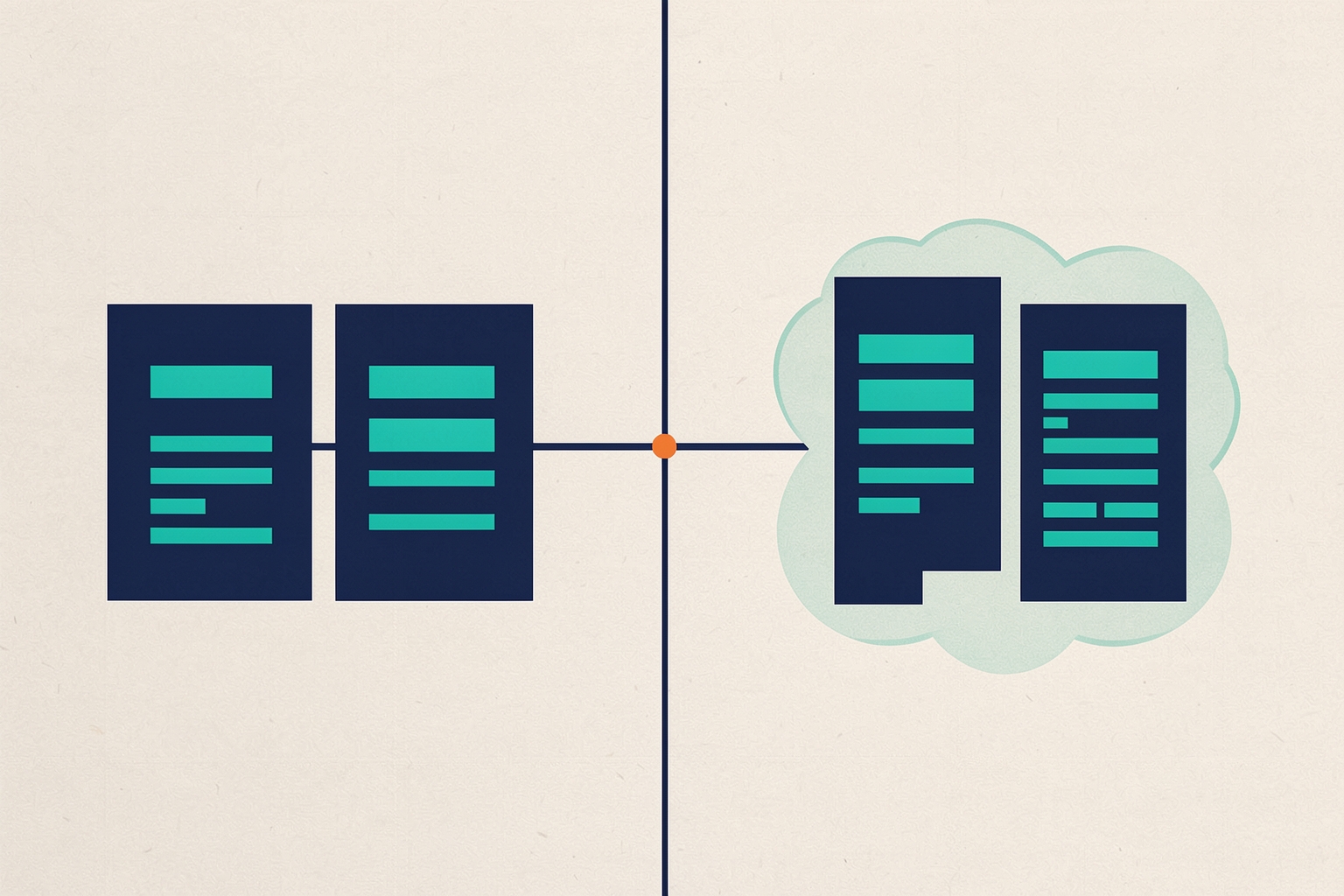
Internal links help visitors move between related pages and help search engines understand how your topics fit together.
The hard part is not adding links once you know where they belong.
The hard part is finding the pages that should connect but currently do not.
This article walks through practical discovery methods, from quick manual checks to semantic clustering at scale, so you can pick the approach that fits your site and team.
What an internal linking opportunity looks like
Most opportunities fall into a few recognizable patterns.
A page mentions a topic in plain text but never links to the page that covers that topic in depth.
Two pages cover closely related subjects but sit in isolation, with no links between them.
A strong page exists, but the only links pointing to it come from navigation rather than from body content.
Each pattern means a reader who would benefit from the next page has no obvious path to it.
Before you start hunting, decide what a good link is for your site.
A link should send a reader somewhere genuinely useful, with anchor text that describes the destination.
That editorial standard matters more than any tool output, because discovery methods surface candidates, not finished decisions.
Start with a crawl inventory
Every method below depends on knowing what pages exist.
Run a crawl of your site with a tool such as Screaming Frog SEO Spider, or export your URL list from a sitemap or content management system.
You need three things per page: the URL, the main body text, and the existing internal links on that page.
Without the existing links, you cannot tell whether a mention is already linked or genuinely unlinked.
Keep the crawl focused on main content.
Boilerplate text repeated across pages, such as menus, cookie notices and addresses, can make unrelated pages look similar.
It can also make every page appear to mention your target keywords.
Screaming Frog excludes nav and footer elements by default in its content area settings.
You can include or exclude specific HTML tags, classes and IDs, which helps when your site does not use standard HTML5 elements. Screaming Frog semantic similarity tutorial
Method one: search page text for unlinked mentions
The most direct method is to pick a target page, list the words and phrases that describe it, then search the rest of your site for those phrases appearing outside of anchor text.
A mention in plain text that is not a link is a candidate: the page already talks about the topic, so adding a link is a natural editorial edit.
Screaming Frog custom search supports this directly.
The 'Page Text No Anchors' search location checks page text while excluding text inside anchor tags, so navigation links and existing inline links do not flood your results.
You can bulk upload up to 100 keywords at once using the Bulk Add option, which makes it practical to check a whole topic cluster in one pass. Screaming Frog custom search tutorial
A few settings make the results cleaner:
- Use word boundaries in regex, such as matching a whole word rather than a fragment, so short terms do not match inside unrelated longer words.
- Combine related terms in one filter with a pipe, or run AND searches with lookaheads when a page must contain two words to be relevant.
- Search the content area rather than full HTML when you want to exclude comments, sidebars and other repeated sections that would otherwise flag false positives.
Once you have the list of pages mentioning a topic without an anchor, review each one.
Ask whether the mention sits in main body content, whether the target page genuinely adds depth at that point, and what anchor text would read naturally.
Export the inlinks for a filter to see which source pages are involved, then hand the shortlist to whoever edits the content.
Method two: semantic similarity clustering
Unlinked-mention searches only find pages that use the same words.
Two pages can describe the same subject with entirely different vocabulary, and a keyword search will miss the connection.
Semantic similarity analysis generates vector embeddings for each page, representing the meaning of the content.
It then groups pages that are semantically close.
Screaming Frog supports this through AI provider integrations and a Content Cluster Diagram.
Within the diagram, right-click a page to show its inlinks and outlinks.
You can view inlinks from within the cluster, to see whether a page benefits from links from semantically similar pages.
Pages that cluster together but link to each other rarely, or not at all, are the visual signal of an internal linking gap. Screaming Frog semantic similarity tutorial
The quality of this method depends entirely on the quality of the content fed into it.
If the text used to generate embeddings is messy or full of boilerplate, the clusters will be less useful.
Practical adjustments include:
- Refine the content area settings to remove duplicated text such as secondary navigation, modal windows and repeated contact details, so embeddings reflect each page's unique content.
- Check the AI tab for pages missing an embedding. Very large pages can exceed the model's context token limit; enabling a page content limit and re-requesting data for just those URLs brings them back into the analysis.
- Watch your provider's rate limits. Free embedding tiers are limited, and errors can appear well below the advertised request ceiling, so paid tiers or adjusted request rates may be needed for larger sites.
Use semantic clustering alongside traditional exact and near-duplicate detection rather than instead of it.
Duplicate detection relies on word matching and order, so it catches obvious duplicates but misses pages that describe similar things with different words.
Semantic analysis catches those subtler matches.
Running both gives you complementary views of the same content set.
Method three: manual topic-cluster review
For smaller sites, or for a single priority topic, you can skip tooling and review manually.
List the pages in a topic cluster, read each one, and note where it references an idea that another cluster page covers.
This is slower, but it produces the highest-quality judgments, because you understand the reader's context in a way no embedding does.
A useful hybrid is to run the automated methods first, then review their output manually.
Automation narrows thousands of pages to a shortlist of candidates; a human decides which candidates become links.
This division of labor keeps the editorial standard high while still covering the whole site.
Choosing a method that fits your site
The right method depends on site size, content volatility and who does the editing.
The tradeoffs differ enough that it is worth matching deliberately:
- Small sites with a handful of topic areas: manual review is often sufficient and produces the best-qualified links.
- Medium sites with defined topic clusters: unlinked-mention custom search over a curated keyword list gives fast, explainable results per cluster.
- Large or fast-moving sites: semantic clustering covers vocabulary variation that keyword searches miss, at the cost of setup, API access and interpretation effort.
Whichever method you use, treat its output as a candidate list.
Every suggested link still needs a human check for relevance, anchor quality and reader value.
Automated discovery does not remove editorial judgment; it concentrates your judgment where it matters.
Turning candidates into published links
Discovery only pays off when the links ship.
For each accepted candidate, record the source page, the target page and the intended anchor text, then batch the edits into your publishing workflow.
Prioritize links from high-traffic or high-authority pages to pages you want to grow, and links that complete a reader journey, such as from an overview page to a detailed how-to.
Re-run your chosen discovery method periodically.
New content creates new unlinked mentions, and older clusters drift as pages are added or rewritten.
A recurring pass keeps the gap from reopening.
For a fuller operational view, see our guide to internal linking automation for SEO growth.
Use the internal linking checklist for B2B SaaS sites to standardize what a good link looks like before scaling discovery.
Common pitfalls to avoid
- Searching full HTML instead of page text, which flags navigation and boilerplate on every page.
- Generating embeddings from unrefined content areas, which makes unrelated pages cluster together.
- Adding links wherever a keyword appears, without checking whether the destination genuinely helps the reader at that point.
- Treating tool suggestions as final decisions rather than candidates for review.
Internal linking discovery is a repeatable process, not a one-off audit.
Pick the method that matches your site's size and your team's capacity, keep the editorial bar high, and revisit the gap regularly.
When ready to connect discovery to publishing and performance feedback, learn how to automate internal links without creating spam.
Also explore how to build topic clusters that help Google understand your site to give your links a clear structure.
How Meshline can help. Connect automation, Organic Marketing (demand generation), and customer lifecycle management (Revenue Intelligence).
Bring topic planning, content publishing and performance feedback into the conversation about your workflow. Book a Meshline demo.