
 MeshLine
Branch on Email Engagement or Contact Data? Decide Before You Build
Learn when a nurture flow should branch on email engagement versus contact data, how to combine both, and what to verify before you build the split.
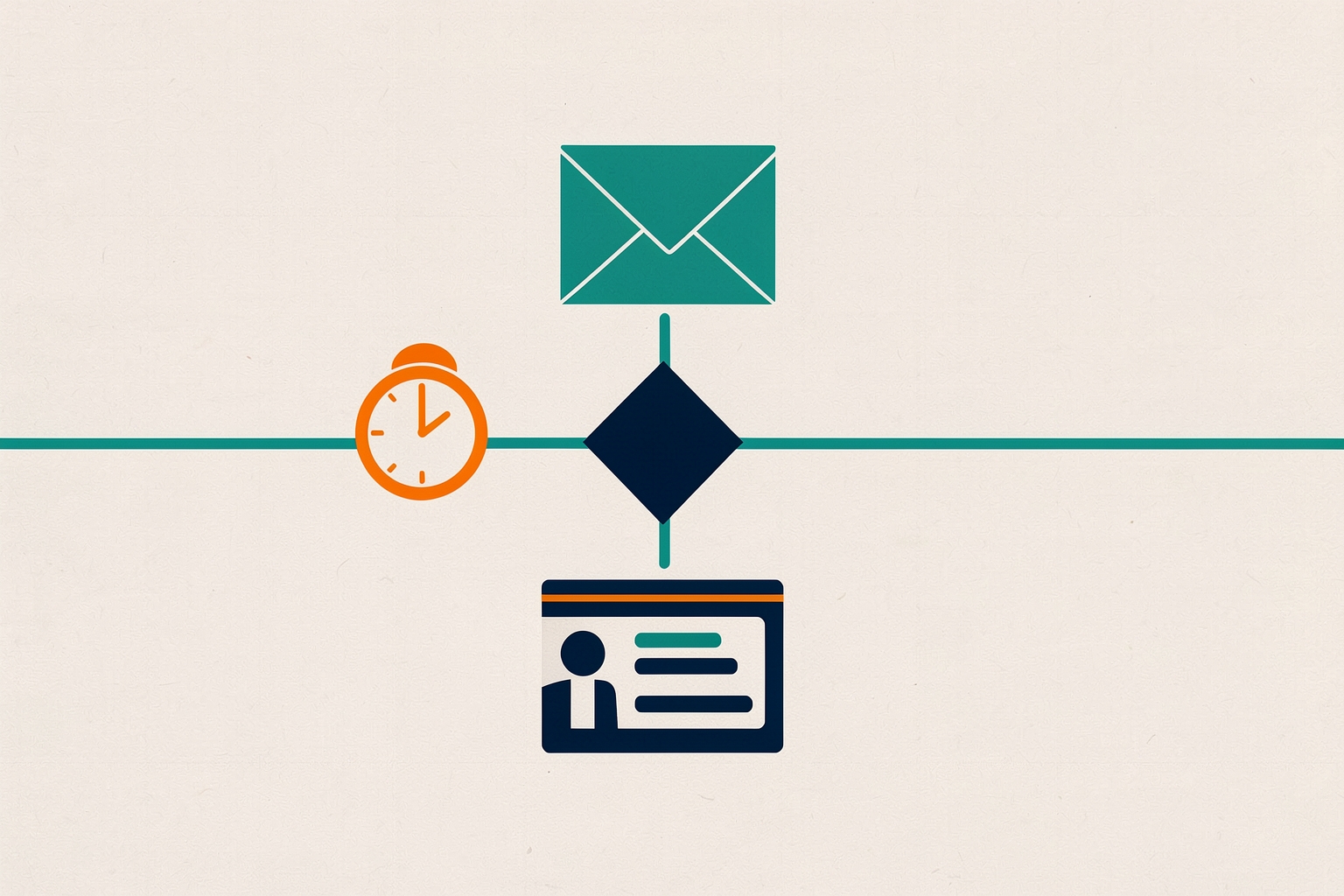
A nurture flow can branch on two very different kinds of information: what a contact has done with your emails, and who the contact already is in your database.
Choosing the wrong basis for a split is one of the most common reasons nurture programs send irrelevant messages.
This article explains when each branch type fits, how they combine, and what to check before you build.
Two branch types, two different questions
An engagement branch answers a behavioral question: did this person open, click, or ignore the message I just sent?
A contact-data branch answers a profile question: what do I already know about this person's role, industry, lifecycle stage, or recorded interests?
Most automation platforms support both.
In Mailchimp's automation flows, a conditional split rule sends contacts down one of two paths based on conditions you choose.
Those conditions can draw on audience data, campaign activity, or other segmentation options.
The rule supports up to five conditions per branch and requires a Standard plan or higher Mailchimp.
Engagement triggers such as opens, clicks, and unopened campaigns are documented trigger types in the same system Mailchimp.
The two branch types behave differently over time.
Engagement data changes with every send.
Contact data changes only when someone updates a record, a form is submitted, or a sync writes new values.
That difference drives most of the decision.
When to branch on email engagement
Branch on engagement when the next message should depend on how the person responded to the previous one.
This is the natural fit for adaptive nurture sequences.
- Open or click follow-ups. If a contact clicked the link in your last email, the next step can offer a deeper resource. If they did not, the flow can resend with a different subject line or move them to a lighter-touch path.
- Re-engagement handling. A branch on unopened emails lets disengaged contacts exit to a win-back or sunset path instead of continuing through the full sequence.
- Pacing. Engaged contacts can move faster toward a sales handoff; unengaged contacts keep receiving educational content.
Engagement branches are most reliable immediately after a send, because the behavior you are testing is fresh and unambiguous.
The further you get from the email in question, the more the signal decays: someone may have opened on their phone, forwarded the message, or simply been on vacation.
Give people time before the split
Engagement splits have a documented timing requirement in at least one platform.
Mailchimp recommends preceding a conditional split based on interaction with a previous email with a minimum four-hour time delay.
This gives people time to open and click Mailchimp.
Without a delay, most contacts reach the split before they have had any chance to engage, and nearly everyone falls down the negative path.
Four hours is a platform recommendation, not a universal rule.
Consider your audience's habits: a business audience that reads email in morning batches may need a longer window than the minimum.
The principle is the same regardless of the number: the split is only meaningful after contacts have had a realistic opportunity to act.
When to branch on contact data
Branch on contact data when the right message depends on who the person is, not on what they just did.
Profile-based splits are stable: they do not change between one email and the next, so they are safe to place anywhere in a flow.
- Role or segment differences. A practitioner and an executive care about different aspects of the same product. A data branch sends each a relevant track from the first email.
- Lifecycle stage. A new subscriber and a long-standing customer should not receive the same onboarding sequence. A branch on lifecycle stage or a related field separates them at the top of the flow.
- Recorded interests or firmographics. If your forms capture industry, company size, or product interest, those fields can route contacts into tailored content tracks before any engagement signal exists.
Data branches are also the right choice when engagement data is thin.
New contacts have no opens or clicks to branch on.
Their profile fields are often the only usable signal.
Data branches are only as good as the data
A split on a profile field silently misroutes every contact whose field is blank, stale, or inconsistent.
Before building a data branch, check how the field is populated: which forms collect it, whether imports overwrite it, and whether integrations sync it.
If a meaningful share of contacts lack a value, decide what happens to them.
Most platforms send contacts with no matching value down one defined path, so choose deliberately which path that should be.
This is where a contact data quality gate earns its keep: verify the field is complete and consistently formatted before a flow depends on it.
For a related decision about what automation may write back to records, see whether a workflow should update associated company records.
Combining both branch types
The strongest nurture flows usually use both, in a deliberate order.
- Open with a data branch. Route contacts by role, stage, or interest at the top of the flow, before any engagement exists to measure.
- Use engagement branches within each track. After each send, branch on opens or clicks to adapt pacing and follow-up content.
- Re-check data at major transitions. Before a sales-handoff step, a data branch can confirm the contact still matches the track's assumptions.
A practical pattern: a data branch sorts contacts into two interest tracks.
Inside each track, an engagement branch after the first email separates clickers from non-clickers.
Clickers receive a deeper resource; non-clickers receive a differently framed message after a delay.
Later, an engagement branch on sustained non-opening routes contacts toward an exit rule rather than more of the same sequence.
For that last step, see when a contact should be removed from a workflow.
Tradeoffs to weigh before you build
Each branch type carries a distinct cost.
Engagement branches multiply maintenance.
Every split doubles the number of paths that need content, review, and eventual retirement.
A flow with several engagement splits can grow into a map nobody fully understands.
Mailchimp's flow map view exists to visualize all possible paths before activation Mailchimp.
Building the map before writing content is a reasonable discipline in any tool.
Data branches inherit data problems.
A mislabeled industry or a blank lifecycle stage routes real people down the wrong track with no visible error.
The failure is quiet, which makes it more expensive than an obvious broken email.
Engagement signals are imperfect.
Opens in particular are an unreliable proxy for interest, because image loading and privacy features can register opens without attention.
Clicks are a stronger signal but rarer.
Prefer clicks for meaningful branches and treat opens as a coarse filter at best.
For definitions and context, see the glossary entry on email engagement.
Platform limits shape design.
Feature availability varies by plan and tool.
In Mailchimp, conditional splits require a Standard plan or higher, flows accept up to three triggers, and step counts scale with plan tier Mailchimp.
Check what your own platform allows before designing a map your tool cannot run.
A decision checklist before you build
- Does the next message depend on the response to the previous send? If yes, an engagement branch fits.
- Does the next message depend on who the person is? If yes, branch on contact data.
- Is the profile field complete and consistently populated for the audience entering this flow?
- If branching on engagement, is there a delay before the split so contacts have time to act?
- What happens to contacts who match neither condition? Every split needs a defined default path.
- How many paths will the flow have after this branch, and does each have content and an owner?
One more caution: engagement and data branches both feed downstream scoring and routing.
If a branch outcome writes to a score or a stage, make sure the downstream logic is designed first.
The choice of which lead score to build first affects what your branches should measure and record.
The short version
Branch on contact data when identity determines the message.
Branch on email engagement when the response to your last send determines the message.
Use data branches early in a flow, engagement branches after sends with a realistic delay, and verify the underlying data before any split goes live.
Decide the branch structure before you write the emails, because the map, not the copy, determines whether the nurture stays relevant.
How Meshline can help. Connect automation, Organic Marketing (demand generation), and customer lifecycle management (Revenue Intelligence).
Bring topic planning, content publishing and performance feedback into the conversation about your workflow. Book a Meshline demo.