
 MeshLine
Which Post-Sale Lifecycle Workflows to Automate First
Learn which post-sale email workflows to automate first, from anniversary repurchase emails to re-engagement and lead qualification, with practical setup guidance.
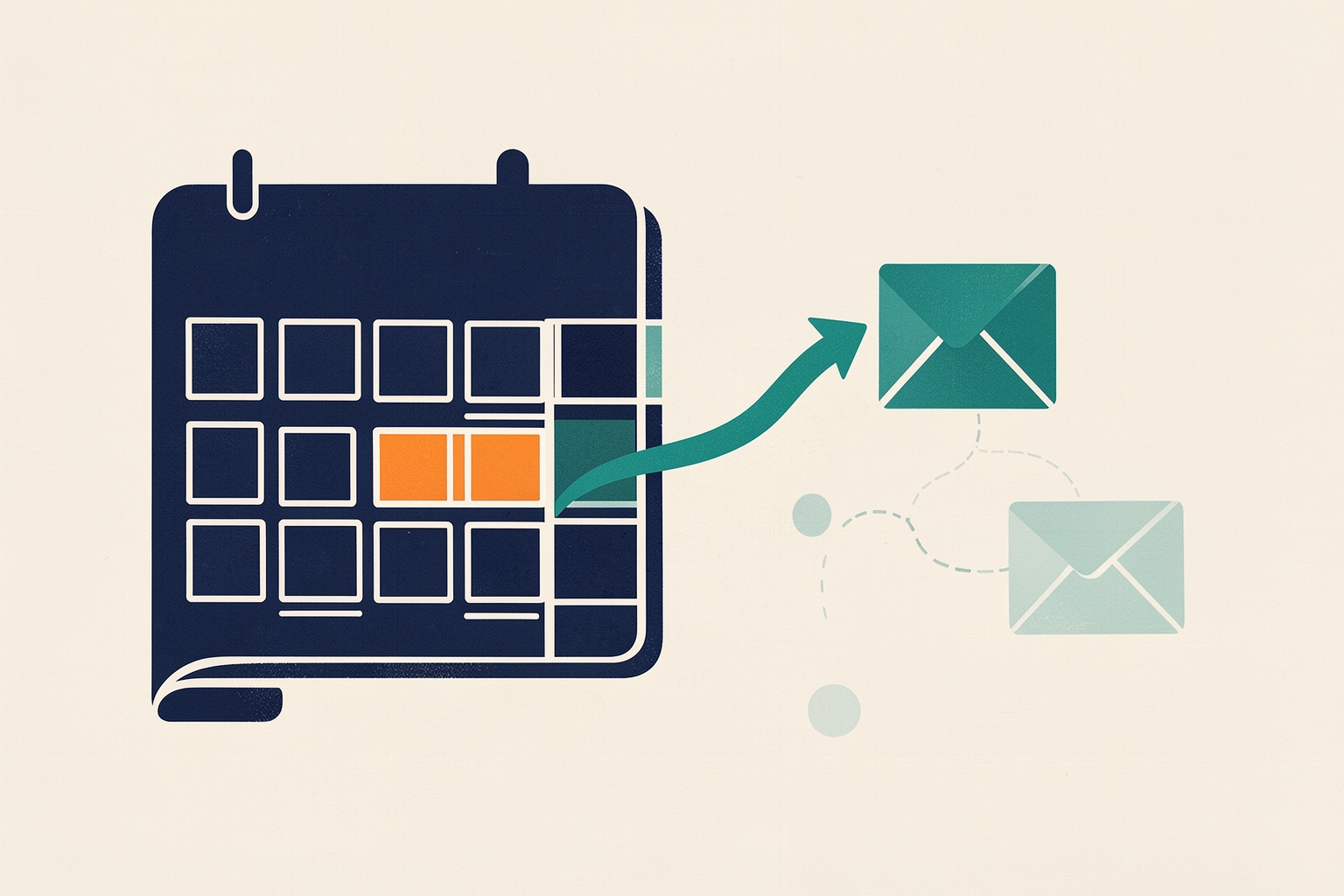
Most teams automate the top of the funnel first and leave existing customers on manual follow-up.
That is usually backwards.
Customers already know your product, so a well-timed post-sale email often earns more attention than a cold nurture sequence.
The question is not whether to automate the customer lifecycle, but which workflows to build first so your effort pays for itself quickly.
This article walks through the post-sale workflows worth automating early, and why they earn priority.
It also covers the setup details that separate a reliable workflow from one that quietly misfires.
Start with workflows tied to a date or event
The easiest post-sale automations to justify are the ones triggered by something that already happens in your CRM: a purchase date, a renewal date, or a period of inactivity.
These workflows need no new data collection and no behavioral guessing.
The trigger exists in your records today.
HubSpot's workflow guidance recommends using email marketing with existing customers to continue building brand loyalty.
It also suggests promoting products based on customer interests and keeping qualifying customers who may become brand evangelists.
Recommended templates for existing contacts include anniversary emails and emails to website visitors based on the page they viewed.
Another is sending a re-engagement email to cold leads HubSpot Knowledge Base.
The anniversary example is instructive.
HubSpot describes a company that sends a discount code to existing customers on their first purchase anniversary.
This encourages repurchase and reminds them to refill supplies HubSpot Knowledge Base.
The workflow works because the trigger is unambiguous and the message is useful at exactly the moment it arrives.
Why date-based workflows come first
Date-based workflows have three practical advantages for a first automation project:
- The enrollment trigger is a property you already store, so setup is fast and testable.
- Timing is predictable, which makes it easy to review performance and adjust the message.
- They run without depending on other systems, so there is no integration risk on your first build.
If your platform stores a purchase or contract-start date, an anniversary workflow is often the highest-value first build.
If it does not, a re-engagement workflow for contacts who have gone quiet is a close second, because it reuses the same email infrastructure with a different trigger.
Re-engagement: the second workflow to build
Every customer database accumulates contacts who stop engaging.
A re-engagement workflow targets those contacts with a reason to come back.
HubSpot lists "send re-engagement email to cold leads" among its recommended templates for existing contacts HubSpot Knowledge Base.
The design question is what counts as “cold” in your business.
Common criteria include a period without email engagement, no recent purchases, or no website visits within a defined window.
Whatever you choose, write the definition down before building.
Re-engagement workflows fail most often because the trigger is vague, so the workflow enrolls contacts who were never actually disengaged.
Mailchimp's automation flow documentation describes how triggers, filters, rules and actions combine in a flow.
It includes conditional splits that branch contacts based on conditions you choose Mailchimp Help Center.
A conditional split is useful here: engaged contacts can exit the flow immediately, while truly inactive contacts continue toward the re-engagement message.
That keeps the workflow from emailing people who do not need it.
Qualification and internal notification workflows
Post-sale automation is not only customer-facing email.
Two internal workflows earn early priority because they protect revenue that already exists.
Notify the team when a customer shows buying signals
HubSpot recommends pairing workflows with tools such as lead scoring, buyer intent and prospecting agents to identify high-value prospects.
Workflows then enroll qualified records and notify stakeholders such as sales teams and managers HubSpot Knowledge Base.
Its example describes a company that scores customers in industries likely to need its supplies.
Records reaching a qualification threshold enroll into prospecting agent, and a sales rep is notified with prospect details in the same workflow HubSpot Knowledge Base.
Applied to existing customers, the same pattern catches expansion signals.
Examples include a customer visiting pricing pages, using the product heavily, or matching a profile that historically upgrades.
The workflow’s job is narrow and valuable — put the signal in front of the right person fast.
Note the subscription requirement HubSpot documents: the lead scoring tool requires a Marketing Hub or Sales Hub Professional or Enterprise subscription HubSpot Knowledge Base.
If your plan does not include it, you can still build a notification workflow on simpler criteria such as page visits or property changes, and add scoring later.
Route and assign records automatically
When post-sale requests arrive from different regions or segments, manual assignment creates delays and dropped records.
HubSpot documents workflow branching that routes records based on properties such as country, company size and industry.
Owners are then assigned with the Rotate record to owner or Edit record actions HubSpot Knowledge Base.
Its example routes quotation requests by region — APAC, EMEA and NAM — before assignment.
HubSpot notes that the Rotate record to owner action requires a Sales Hub or Service Hub Professional or Enterprise subscription.
Users receiving assignments also need a paid sales or service seat HubSpot Knowledge Base.
Check both prerequisites before promising routing to your team.
Keep data aligned across your stack
Post-sale workflows often touch more systems than pre-sale ones, because customer data lives in support tools, billing systems and the CRM simultaneously.
HubSpot recommends the import tool for one-time transfers and data sync for continuous one-way or bidirectional updates.
The Format data action standardizes property values so data parses correctly across platforms HubSpot Knowledge Base.
Its example describes a company running marketing in HubSpot and direct sales in Salesforce, keeping records synced through the integration.
Contacts are added to corresponding Salesforce campaigns so attribution reporting stays accurate across the stack HubSpot Knowledge Base.
The takeaway for sequencing: if a workflow depends on data from another system, verify the sync is reliable before the workflow goes live.
A workflow that fires on stale data is worse than no workflow.
Setup details that decide whether the workflow works
The workflows above are conceptually simple.
Execution is where they succeed or fail.
Three setup areas deserve attention on every build.
Enrollment triggers and re-enrollment
HubSpot documents four enrollment trigger types: filter-based, event-based, schedule-based and webhook-based HubSpot Knowledge Base.
For post-sale workflows, filter and schedule triggers cover most cases — an anniversary is a schedule trigger, a cold-lead definition is a filter.
Re-enrollment matters more in lifecycle workflows than in lead nurture, because customers repeat cycles.
HubSpot notes that by default records enroll only the first time they meet the triggers, and that a record cannot re-enroll into the same workflow until it completes it.
Turning on re-enrollment does not enroll records multiple times automatically.
The record must complete the workflow and then meet a re-enrollment trigger or be enrolled manually HubSpot Knowledge Base.
For an anniversary workflow, this means a customer who repurchases should be able to enter again the following year — verify your re-enrollment settings support that cycle.
Branching and exit conditions
Mailchimp’s flow model is a useful mental frame: triggers add contacts, rules and steps shape their path, and exit conditions remove them Mailchimp Help Center.
Post-sale workflows need deliberate exit conditions.
A customer who repurchases mid-flow should leave the re-engagement sequence immediately, not keep receiving “we miss you” emails.
Define exits before you activate, not after the first awkward send.
Conditional splits also let one workflow serve several situations.
A renewal workflow can branch by contract size or product line, sending different messages down each path while sharing the same trigger and reporting.
Templates versus custom builds
HubSpot recommends using workflow templates rather than building common nurturing workflows from scratch.
The template library filters by hub plan and objective, with a toggle to show only templates compatible with your plan HubSpot Knowledge Base.
Templates are a reasonable starting point for anniversary and re-engagement flows.
Customize the messaging and exit logic to your business, but let the template handle structural setup.
A practical build order
Sequencing matters more than ambition.
A workable order for most teams:
- Anniversary or renewal email. Unambiguous trigger, clear value, minimal dependencies.
- Re-engagement sequence. Reuses the same email infrastructure with a filter-based trigger and a conditional split to exclude engaged contacts.
- Internal notification for buying signals. Protects expansion revenue; check plan requirements for scoring tools.
- Assignment and routing. Valuable once volume justifies it; verify subscription and seat prerequisites.
- Data sync alignment. Run continuously in the background, but audit it before any workflow that depends on external data goes live.
Each step builds on the last.
The first two workflows generate engagement data that makes the third more accurate.
The fourth only becomes necessary once the first three create enough post-sale activity to route.
Review before you scale
Before adding the next workflow, review the ones already live.
Are enrollment triggers enrolling the right records, are exit conditions firing, and are re-enrollment settings producing the repeat cycles you intended?
HubSpot’s workflow editor highlights actions that need changes before publishing, and a minimap view helps navigate larger workflows HubSpot Knowledge Base.
A short review cycle after each launch catches problems while they are cheap to fix.
Post-sale automation rewards teams that start narrow and build deliberately.
Two or three well-designed workflows covering anniversaries, re-engagement and internal signals will do more for customer revenue than a dozen half-configured sequences.
They also create the data foundation that makes every later workflow smarter.
For related reading, see how percentage splits compare with wait-for-trigger rules when branching a flow.
Also see which single-object report to build first to measure results, and how automation infrastructure across CRM, ERP and support keeps underlying data aligned.
How Meshline can help. Connect automation, Organic Marketing (demand generation), and customer lifecycle management (Revenue Intelligence).
Bring topic planning, content publishing and performance feedback into the conversation about your workflow. Book a Meshline demo.