
 MeshLine
Conditional Split vs Percentage Split: Which Rule Fits Each Flow Step
Learn when a conditional split or a percentage split fits each automation flow step, with worked examples, tradeoffs and a practical review checklist.
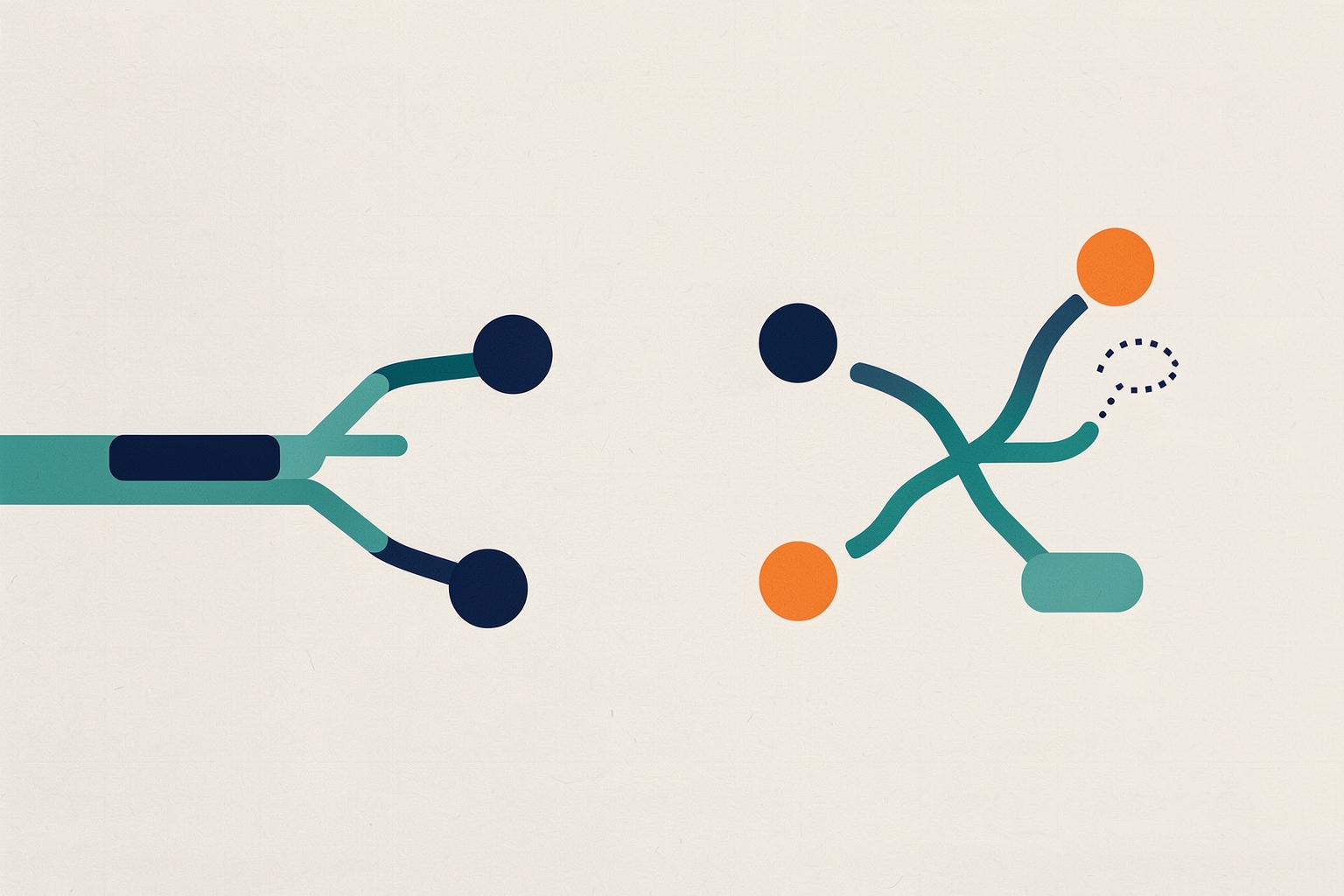
Two split rules sit in almost every automation flow builder, and choosing between them wrongly changes who sees what.
A conditional split routes contacts based on who they are or what they have done.
A percentage split routes contacts randomly so you can compare two strategies.
The distinction sounds simple, but in a live flow the two get swapped often enough to cause real damage.
Tests never isolate a variable, and segments never receive the message meant for them.
This article walks through what each rule does, when each one fits a flow step, and how to review a flow that already uses both.
What a conditional split does
A conditional split rule sends contacts down different paths depending on conditions you set, such as audience data, campaign activity or other segmentation options.
In Mailchimp, a branch can have up to five conditions.
Contacts meeting them take the Yes path; everyone else takes the No path per Mailchimp's conditional split guide.
The key word is known.
The routing decision is deterministic: two contacts with the same data take the same path.
That makes conditional splits the right tool whenever the message should differ because of the contact, not because you want to compare messages.
What a percentage split does
A percentage split rule divides contacts into two paths at random when they reach the rule, according to the percentages you choose.
Mailchimp positions it explicitly as an experimentation tool.
You can test whether a free-shipping or discount email performs better per Mailchimp's percentage split guide.
You can also compare subject lines or designs.
Timing can be tested by sending one email immediately and the other after a delay.
Randomness is the point.
Because assignment does not depend on contact attributes, the two groups are comparable, which is what makes the comparison meaningful.
If you find one path outperforms the other over a period of time, you can edit the percentages to send all future contacts toward the preferred path Mailchimp notes.
The decision rule: known difference vs open question
Before placing either rule, ask one question: do you already know which contacts belong on which path?
- If the answer comes from data you can state as a condition, use a conditional split. Examples: contacts with a specific tag, contacts who opened a previous email, contacts in a region, contacts with a purchase on record.
- If the answer is unknown and the split exists to find it, use a percentage split. You are asking which of two messages, designs or timings works better, and only the test can tell you.
A quick sanity check: if you could describe the split as 'send X to people who Y', it is conditional.
If you would describe it as 'try X against Y and see', it is a percentage split.
Where each rule fits in a flow
Early steps: conditional splits for routing
Flows usually start by sorting contacts.
A welcome flow might branch on whether the contact came from a trial signup or a newsletter subscription.
A post-purchase flow might branch on product category.
These are conditional splits because the correct path is determined by known attributes, and sending the wrong branch would mean sending irrelevant content.
Mid-flow: conditional splits after engagement points
A common pattern is to split on whether contacts interacted with an earlier email in the same flow.
Mailchimp recommends a minimum four-hour time delay before a conditional split based on interaction with a previous email, giving people time to open and click per Mailchimp.
Without that delay, the split evaluates engagement before anyone has had a realistic chance to engage, and most contacts fall down the same branch by default.
This is also where time delay rules matter generally: they set the pace of the flow and give contacts room to act between messages per Mailchimp's time delay guide.
A split placed immediately after a send measures almost nothing.
Testing steps: percentage splits on comparable content
When you want to compare two emails, two subject lines or two send timings, use a percentage split.
The two branches should differ in exactly one thing you are testing.
If branch A has a different offer, a different subject line and a different send time, you cannot tell which difference moved the result.
Both branches should otherwise be equivalent: same audience conditions upstream, same delay structure, same measurement window.
Mailchimp's own example keeps it clean: one path sends a free-shipping email, the other a discount email, and everything else stays the same per Mailchimp.
Pausing: neither rule replaces a wait
Sometimes the right rule is not a split at all.
If contacts should simply hold position until they meet a condition, use a wait for trigger rule.
It pauses them based on purchase data, tags, campaign activity or other segmentation options per Mailchimp's wait for trigger guide.
A conditional split answers 'which path now'; a wait answers 'not yet'.
Confusing the two sends contacts down a fallback branch they should never have taken, when holding them in place was the correct behavior.
Worked example: one flow, both rules
Consider a re-engagement flow, described here as an illustrative scenario rather than a documented customer result.
- Entry. Contacts enter when they meet an inactivity condition.
- Conditional split. Contacts with a past purchase take the win-back path; everyone else takes the nurture path. The condition is known from contact data, so this is conditional.
- Send email on each path, separated from the next message by a time delay so contacts have time to respond per Mailchimp's send email guidance.
- Percentage split on the win-back path only: path A gets a discount offer, path B gets a new-arrivals message. Assignment is random, so the comparison is fair.
- Conditional split after a delay. Did the contact engage with the email? Engaged contacts exit to sales follow-up; the rest continue. The four-hour minimum delay before this split gives opens and clicks time to register per Mailchimp.
Notice the rhythm: conditional splits handle routing decisions you can justify from data, and the single percentage split handles the one open question worth testing.
Testing the offer on both purchase and non-purchase paths doubles the branches to maintain and splits your attention.
Testing on the higher-value path first is often more manageable, though that is an editorial judgment, not a platform rule.
Tradeoffs to weigh
Conditional splits: precise but only as good as your data
A conditional split is only as reliable as the condition behind it.
If a tag is applied inconsistently, or a property is blank for a large share of contacts, those contacts silently take the No path.
Before trusting a split, verify that the field or activity you are branching on is populated for the audience entering the flow.
Blank is a value too, and it routes.
Percentage splits: fair comparisons need patience and volume
A percentage split gives you comparable groups, but a comparison is only useful if you let it run long enough and have enough contacts reaching the rule.
With low flow volume, both branches may sit underpowered for a long time.
Also remember that editing percentages affects future contacts; contacts already past the split stay on their assigned path per Mailchimp.
Declaring a winner too early, then routing everyone to it, locks in a conclusion the data may not support.
Complexity compounds
Every split doubles the branches downstream, and every branch needs its own delays, sends and exit conditions.
A flow with several conditional splits and a test on each path becomes hard to review and harder to change safely.
A practical discipline: one open question per flow, tested with one percentage split, and conditional splits only where the data clearly demands different treatment.
Reviewing an existing flow
If you inherit a flow, walk it step by step and check the following.
This checklist describes what to verify; it cannot guarantee the flow is correct, and platform behavior can vary by plan and configuration.
- For each conditional split, confirm the condition reflects a real, populated difference between contacts, and that blank values routing to the No path is acceptable.
- For any split based on email engagement, confirm a delay precedes it so contacts have time to act per Mailchimp's recommendation.
- For each percentage split, confirm the two branches differ in one tested element and match on everything else.
- Confirm delays between emails give contacts breathing room rather than stacking messages per Mailchimp.
- Confirm places where contacts should pause use a wait rule rather than a split that pushes them down a fallback path per Mailchimp.
- Confirm each branch has a defined exit or endpoint, so no contact lingers indefinitely.
Common mistakes
- Using a percentage split to segment. Random assignment sends interested and uninterested contacts to both branches. If the goal is relevance, branch on data instead.
- Using a conditional split to test. If branch membership depends on contact attributes, the groups are not comparable, and any performance difference may reflect the audience rather than the message.
- Splitting on engagement too soon. Without a delay, the split fires before behavior exists, and nearly everyone lands on the same side.
- Testing several variables at once. A winning branch tells you the combination worked, not which element caused it.
Putting it together
Conditional splits route known differences; percentage splits resolve open questions.
Place conditional splits where contact data or prior behavior should change the path.
Give engagement-based splits a delay first, and reserve percentage splits for single-variable tests you are prepared to let run.
When a step's real question is 'not yet' rather than 'which path', reach for a wait rule instead of either split.
For the neighboring decision about holding contacts versus splitting them, see Percentage Split vs Wait for Trigger: Which Rule Fits Each Flow Step.
To choose the right building block at every step, see Which Automation Flow Action Should I Use? Decide Per Step.
Also see Which Automation Flow Trigger Should I Use? Decide Before You Build.
For how field ownership affects branching conditions, see Lifecycle Stage vs Lead Status: Which Property Owns Each Step.
How Meshline can help. Connect automation, Organic Marketing (demand generation), and customer lifecycle management (Revenue Intelligence).
Bring topic planning, content publishing and performance feedback into the conversation about your workflow. Book a Meshline demo.