
 MeshLine
Which Automation Flow Trigger Should I Use? Decide Before You Build
Learn how to choose the right trigger for your automation flow by matching the starting event to your goal, audience and the data your tools actually capture.
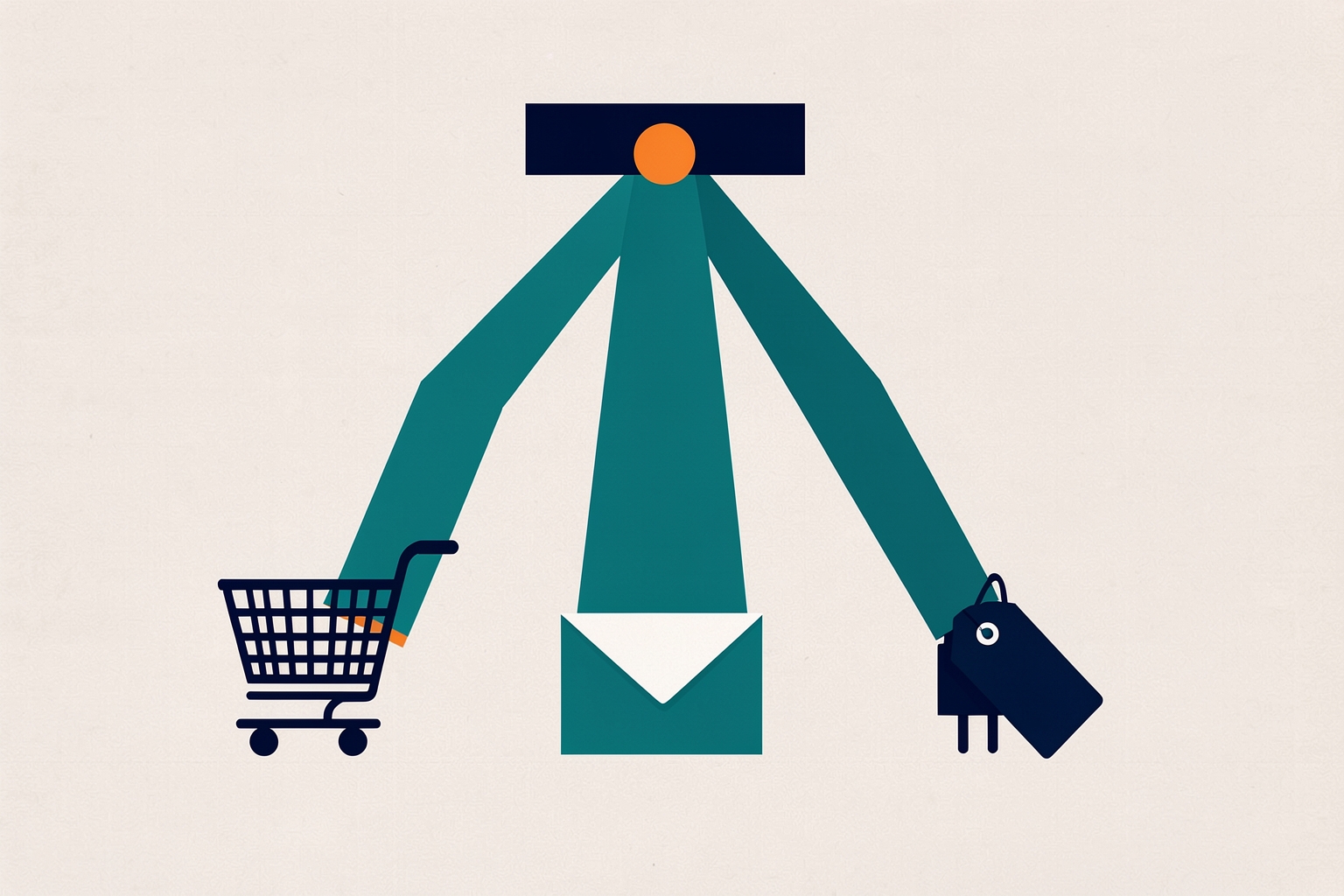
The trigger is the single most consequential decision in an automation flow.
It decides who enters, when they enter, and what every later step can reasonably assume about them.
Choose well and the rest of the flow almost designs itself.
Choose poorly and you will spend weeks patching branches that should never have existed.
This guide walks through the main trigger families, the situations each fits, and the tradeoffs to weigh before you build.
What a trigger actually does
A trigger is the event or action that adds a contact to a flow.
Once the flow is active, any contact who meets the trigger condition starts moving through it immediately.
That timing matters: triggers only apply to actions or events that happen after activation, so a flow cannot reach back and enroll people who already did the thing last month.
Most platforms let you stack more than one trigger.
In Mailchimp, for example, a flow can have up to three triggers on a Standard plan or higher, and a contact who meets any one of them enters the flow.
You can also add filters to narrow who qualifies, with up to five filter conditions per trigger.
Match the trigger to the job, not to the tool
Before browsing a trigger list, write one sentence describing the flow’s purpose.
“Welcome people who just joined our list” and “recover shoppers who abandoned a cart” point to completely different triggers.
The purpose tells you which event marks the true starting line.
Then check what your connected tools actually record.
A trigger can only fire on data your platform receives.
If your store integration does not pass product-view events, a product-view trigger is not an option no matter how well it fits your goal.
Store activity triggers: when buying behavior is the signal
E-commerce triggers start flows based on shopping actions.
Typical examples include viewing a page or product, performing a search, adding a product to a cart, starting or completing checkout, and adding a low-inventory product to a cart.
Mailchimp also supports a back-in-stock trigger for contacts who carted a low-stock item.
Use store activity triggers when the purchase journey itself is the story.
Cart abandonment, browse abandonment and post-purchase follow-ups all belong here, because the trigger event is a strong, recent, purchase-shaped signal.
The tradeoff is dependency.
These triggers require a connected store, and the quality of the flow depends on the quality of the event data coming through the integration.
Verify which events your store actually sends before designing branches around them.
Email engagement triggers: when response is the signal
Marketing activity triggers key off how contacts interact with your email.
Documented examples include being sent a specific email, opening it, or not opening it within a timeframe.
Other triggers include clicking any link, not clicking any link, clicking a specific link, and responding to a survey.
These fit re-engagement and follow-up flows.
A “didn’t open within a certain timeframe” trigger is a natural start for a win-back path.
A “clicked a specific link” trigger can route highly interested readers into a deeper nurture sequence.
The tradeoff is scope.
Engagement triggers describe how someone reacted to one message, not who they are or what they bought.
They work best as follow-ups to campaigns you control, and they say little about contacts who never received the email in the first place.
Signup and tag triggers: when identity or intent is the signal
Signup triggers start a flow when someone joins your audience, such as signing up for email.
Tag and group triggers start a flow when a contact receives a specific tag or joins a specific group.
A documented example pairs two triggers, “added tag VIP” or “added tag top donor,” to build a single high-value-contact flow.
Use these when another process decides who belongs in the flow.
If your team tags contacts from sales calls, or a form routes signups by interest, the tag becomes a clean handoff point.
The flow stays simple because the qualifying logic lives upstream.
The tradeoff is discipline.
Tag-based triggers are only as reliable as the tagging process behind them.
If tags are applied inconsistently, contacts will enter late or not at all, and no amount of flow design fixes that.
API and integration triggers: when the event lives elsewhere
Advanced triggers pull from connected apps and custom code.
Documented options include an automation flows API endpoint and an Event API call posted with a specific event name.
Also supported: Eventbrite ticket purchases and check-ins, a finished LiveChat conversation, and custom events created through Zapier.
Use these when the meaningful moment happens outside your marketing platform: a webinar check-in, a support chat, an event in your product.
The trigger lets the flow start at the true moment of intent instead of a proxy like an email open.
The tradeoff is setup and maintenance.
Someone must build and maintain the integration, and you should confirm the event payload carries the fields your flow branches on.
Review-sentiment triggers: a special case worth knowing
If you connect a reviews integration such as Judge.me or Yotpo, a submitted review can start a flow.
You can branch on star ratings to send recovery offers for low scores or upsell messages for high ones.
Review data, including submission status and ratings, can also filter contacts into specific paths.
This is a narrow but powerful pattern: the customer’s own sentiment becomes the branching signal, not just the entry point.
Questions to ask before you commit
- What moment marks the true start? Pick the event closest to the moment the flow’s promise becomes relevant.
- Who should never enter? Use filters to exclude existing customers, staff, or contacts mid-way through another flow.
- Will the event fire often enough? A trigger tied to a rare action will produce a trickle, not a program.
- What does the flow assume on entry? Every later branch inherits the trigger’s context. A cart trigger can safely assume a cart exists; an open trigger cannot.
- Do multiple entry points make sense? If two different events both mean “this person is ready,” stacking triggers can be cleaner than forcing one event to do both jobs.
A worked example of the decision
Suppose you want a post-webinar nurture flow.
The true starting moment is attendance, so an Eventbrite check-in trigger fits if you run events there.
If registration data instead flows in through Zapier, a custom event trigger fits.
If neither integration exists, the practical fallback is a tag applied when your team imports the attendee list, with the tradeoff that enrollment waits on a manual step.
Same goal, three triggers, different dependencies.
The right answer depends on which data path you can actually stand up and maintain.
Templates versus building from scratch
Flow templates come with default triggers, rules and actions, and those defaults can be edited at any time.
Templates with e-commerce functionality require a connected store, and SMS templates require an approved SMS Marketing program.
A template can be a fast way to see a sensible trigger choice for a common goal, but always check whether its default trigger matches your actual starting event before activating.
Common trigger mistakes
- Starting too early. A signup trigger fires for everyone, including people who will never have the problem your flow addresses. Add filters.
- Starting too late. Waiting for a deep engagement signal, like clicking a specific link, means most interested people never enter. Consider a broader trigger with branches inside.
- Stacking conflicting triggers. If one trigger enrolls new leads and another enrolls existing customers, later branches must handle both contexts or the flow sends the wrong message to someone.
- Ignoring the activation cutoff. Because triggers only capture events after activation, launch the flow before the campaign or season that feeds it.
Where trigger choice connects to the rest of the build
The trigger shapes your branching strategy.
Engagement-based entries often lead to splits on email behavior, while data-based entries lead to splits on contact attributes.
If you are weighing that choice next, see branch on email engagement or contact data.
If a step needs to hand information to another system, see when an automation flow should trigger a webhook.
That guide covers what to decide before building.
And if you are deciding whether to start from a template at all, template or build from scratch walks through that tradeoff.
The short version
Pick the trigger that fires when your flow's promise becomes relevant, and verify your tools actually capture that event.
Filter out anyone the flow was not built for, and only then design the steps.
Everything downstream gets easier when the starting line is right.
Triggers only capture what happens after activation, so the best time to get this decision right is before you turn the flow on, not after the first wrong contacts roll through it.
Source references: mailchimp.com; mailchimp.com; mailchimp.com; mailchimp.com.
How Meshline can help. Connect automation, Organic Marketing (demand generation), and customer lifecycle management (Revenue Intelligence).
Bring topic planning, content publishing and performance feedback into the conversation about your workflow. Book a Meshline demo.