
 MeshLine
How to Audit Canonicals on a Website and Decide What to Fix
Learn how to crawl your site, spot canonical errors like missing, multiple and non-indexable canonicals, and decide which ones are worth fixing first.
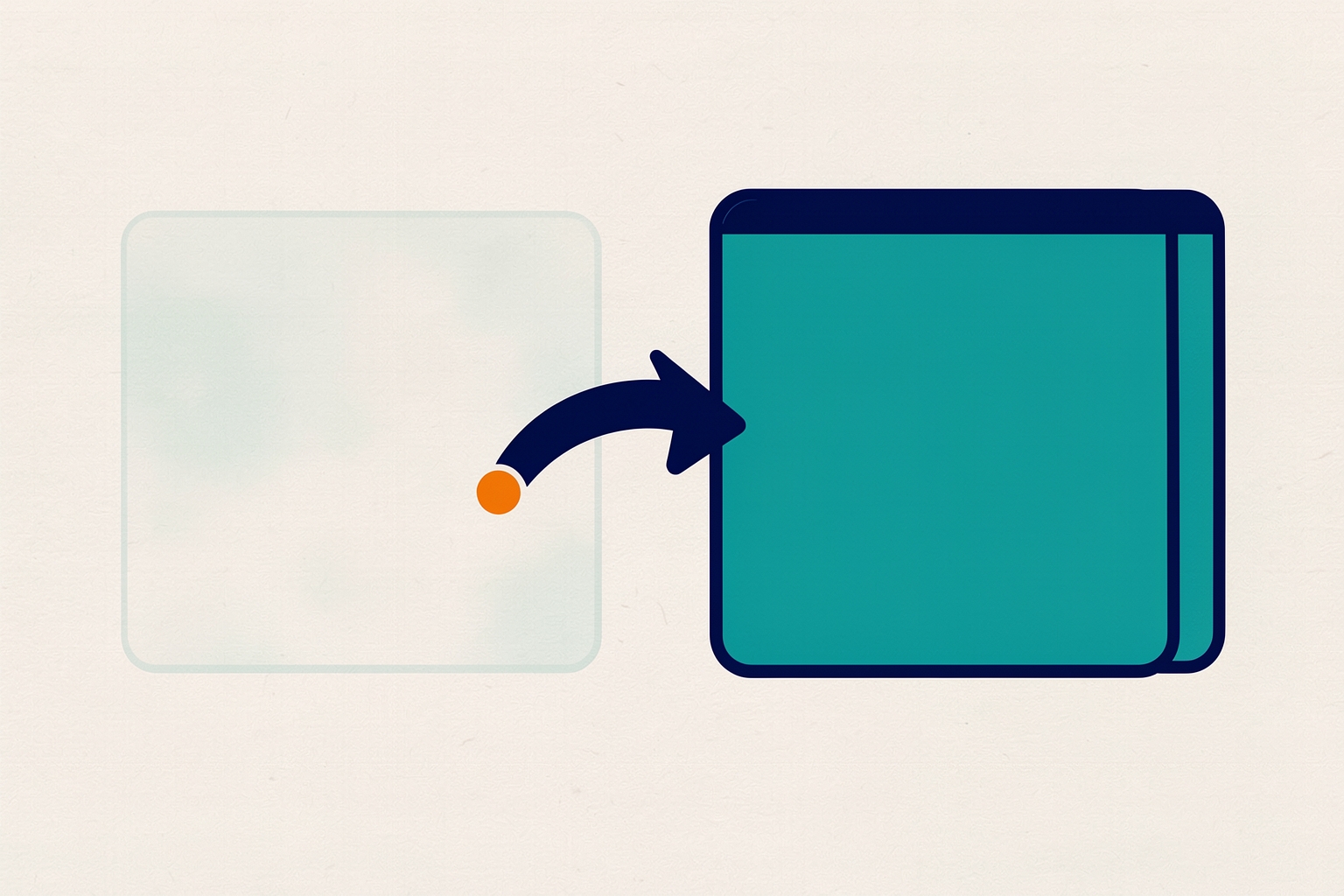
A canonical tag tells search engines which version of a page you want indexed when the same content is reachable at more than one URL.
When canonicals are wrong, indexing signals get split or pointed at pages that should not rank.
A canonical audit finds those problems before they cost you visibility.
This walkthrough covers how to crawl your site, which canonical states to look for, and how to decide what actually needs fixing.
The method uses a site crawler, and the filter names below follow the Screaming Frog SEO Spider.
It documents a dedicated canonical audit workflow in its canonical audit tutorial.
Why canonicals matter for indexing
The rel="canonical" element is a hint to search engines.
It consolidates indexing and link properties to a single preferred URL so duplicate versions do not compete with each other.
It does not force anything, but it is the strongest signal you can send about which URL should rank.
Canonicals matter even on well-built sites.
Tracking parameters, sorting options, and other websites linking to variant URLs can all create duplicate versions you never intended.
A self-referencing canonical on every page protects against that naturally occurring duplication.
Step one: crawl the site with canonicals enabled
Open your crawler, enter the site URL, and start the crawl.
In the SEO Spider, the option to store and crawl canonicals is enabled by default under Configuration > Spider > Crawl.
This matters because the crawler follows URLs referenced inside canonical tags, not just the links in your navigation.
That way you can see whether a canonical target actually exists and resolves.
Let the crawl finish before judging results.
Partial crawls miss pages, and some canonical checks depend on the crawler having visited the canonical targets themselves.
Step two: review the canonical states in the report
The Canonicals tab lists every crawled URL alongside the canonical found in its HTML or HTTP header.
The Occurrences column counts how many canonical elements were discovered for each URL.
The overview pane summarises which filters contain data, so you can see where the problems are without opening every filter.
These are the states worth reviewing, based on the documented filters:
- Contains Canonical. The page has a canonical set, either self-referencing or pointing elsewhere. This is your baseline view of coverage.
- Self Referencing. The canonical matches the page URL. Ideally every canonical version of a page has one, to guard against parameter-based and externally created duplicates.
- Canonicalised. The canonical points to a different URL. Search engines are being told not to index this page and to consolidate its signals to the target. These deserve careful review, because a wrong canonicalised page removes a URL from contention that may deserve to rank.
- Missing. No canonical is present. The search engine then chooses what it thinks is the best version, which can lead to ranking unpredictability. Generally all URLs should specify a canonical.
- Multiple. More than one canonical is set for a URL, through multiple link elements, an HTTP header, or both combined. There should only be a single canonical from a single implementation.
- Multiple Conflicting. Multiple canonicals that specify different URLs. This is the most unpredictable state, because the implementations disagree with each other.
- Non-Indexable Canonical. The canonical target is blocked by robots.txt, returns a redirect, an error, or is noindex. Canonical targets should always be indexable pages with a 200 response, so these need correcting to the resolving version.
- Canonical Is Relative. The tag uses a relative rather than absolute URL. Relative paths are easy to get subtly wrong, which can cause indexing issues.
- Unlinked. URLs discoverable only through canonical tags, with no hyperlinks pointing at them. This often signals an internal linking problem or a canonical pointing at a page the site has effectively abandoned.
Step three: pair the canonical audit with a duplicate content check
Canonical problems and duplicate content are two views of the same issue, so run both checks in the same crawl.
The Content tab has exact and near duplicate filters.
Exact duplicates are pages identical across their full HTML, matched by hash value.
Near duplicates are pages similar above a configurable threshold, calculated against the page text rather than the full HTML.
Exact duplicates can split ranking signals and create unpredictability in ranking.
The documented guidance is that only a single canonical version should exist and be linked to internally, with other versions 301 redirected to it.
Near duplicates need manual review, because similar pages can be legitimate, such as product variations that each have search demand around a specific attribute.
The question for each group is whether the pages have unique value for users, or whether they should be consolidated, improved, or removed.
For a deeper treatment of that decision, see our guide to finding duplicate content and deciding whether to fix, canonicalize, or differentiate.
Step four: decide what to fix first
Not every flagged canonical is an emergency.
Work through the list in rough order of certainty:
- Fix non-indexable canonicals. A canonical pointing at a redirect, an error page, or a noindex page is almost always wrong. Update it to the live, indexable version of the content.
- Fix multiple and conflicting canonicals. Remove the duplicate implementation so exactly one canonical, from one method, remains. Common causes are a theme or CMS template adding a tag while a plugin adds another, or an HTTP header set alongside an HTML element.
- Review canonicalised pages. For each one, confirm the target is the version you genuinely want to rank. A canonical pointing at the wrong sibling page, category, or homepage silently removes the source page from search.
- Add missing canonicals. A self-referencing canonical on each canonical page is the safe default, because it protects against parameter and external-link duplication.
- Investigate unlinked URLs. If a URL is only reachable via a canonical tag, either link to it internally or question whether the canonical target is the right page at all.
Canonicalised pages are the group that most needs judgement.
The documented position is that in an ideal world a site would not canonicalise anything.
Only canonical versions would be linked to, but canonicals are often required for circumstances outside your control.
So the presence of a canonicalised page is not automatically a defect.
What matters is whether the choice was deliberate and whether the target is correct.
A worked example of the review process
Suppose the crawl flags a blog article as canonicalised to the blog listing page.
That is a decision worth challenging.
The article has its own title, its own topic, and presumably its own search intent.
Canonicalising it to the listing discards its ability to rank.
The fix is to change the canonical to self-referencing.
Now suppose the crawl flags a printer-friendly version of a product page as canonicalised to the standard product page.
That is a deliberate, sensible canonical: the content is genuinely a duplicate, and the standard page is the version you want indexed.
Same filter, opposite conclusion.
This is why canonical audits need human review rather than a blanket rule.
Common causes behind canonical errors
Knowing the usual culprits speeds up the fix:
- Template changes. A redesign or theme update can drop self-referencing tags or hardcode a canonical that no longer matches the URL structure.
- Stacked plugins or modules. Two tools each injecting a canonical produce the multiple and conflicting states.
- Staging URLs left in place. A canonical pointing at a staging or development domain is a classic launch-day mistake and typically shows up as a non-indexable or unlinked target.
- Relative paths after a migration. Relative canonicals that worked on the old structure can resolve incorrectly after URLs change.
- Faceted navigation and parameters. Filter and sort combinations generate URL variants; canonicals are one of the tools for managing them, alongside internal linking decisions.
Turning the audit into an ongoing habit
Canonical errors are usually introduced by change: a migration, a template edit, a new plugin.
That means the most valuable audit is the one run right after a change, not just an annual sweep.
Recrawl after any site-wide update and compare the canonical filters against your previous run.
New entries in the non-indexable or conflicting filters point directly at whatever changed.
Pair this with broader site health checks.
A site-wide audit of live pages catches content-level issues in the same pass.
Deciding how pages should behave before building them?
Our article on choosing the right automation flow trigger covers a similar principle.
Key takeaways
- Crawl the full site with canonical crawling enabled so canonical targets are visited and verified.
- Review each documented filter state, prioritising non-indexable and conflicting canonicals, then reviewing deliberate canonicalisation choices.
- Run the duplicate content check alongside the canonical audit, since the two findings inform each other.
- Treat canonical flags as review prompts, not automatic defects; the correct fix depends on whether the canonical reflects a deliberate indexing decision.
- Recrawl after migrations, redesigns and plugin changes, when most canonical errors are introduced.
A canonical audit is one of the few technical SEO checks where the crawler does most of the detection work and you do most of the decision work.
Run the crawl, read the filters, and challenge every canonicalised page to justify itself.
The pages that survive that question are the ones earning their place in the index.
How Meshline can help. Connect automation, Organic Marketing (demand generation), and customer lifecycle management (Revenue Intelligence).
Bring topic planning, content publishing and performance feedback into the conversation about your workflow. Book a Meshline demo.