
 MeshLine
How to Find Orphan Pages: Detect Zero-Link URLs and Decide What to Do
Learn how to find orphan pages by combining crawl data with sitemaps, Analytics and Search Console, then decide whether to link, redirect or remove each URL.
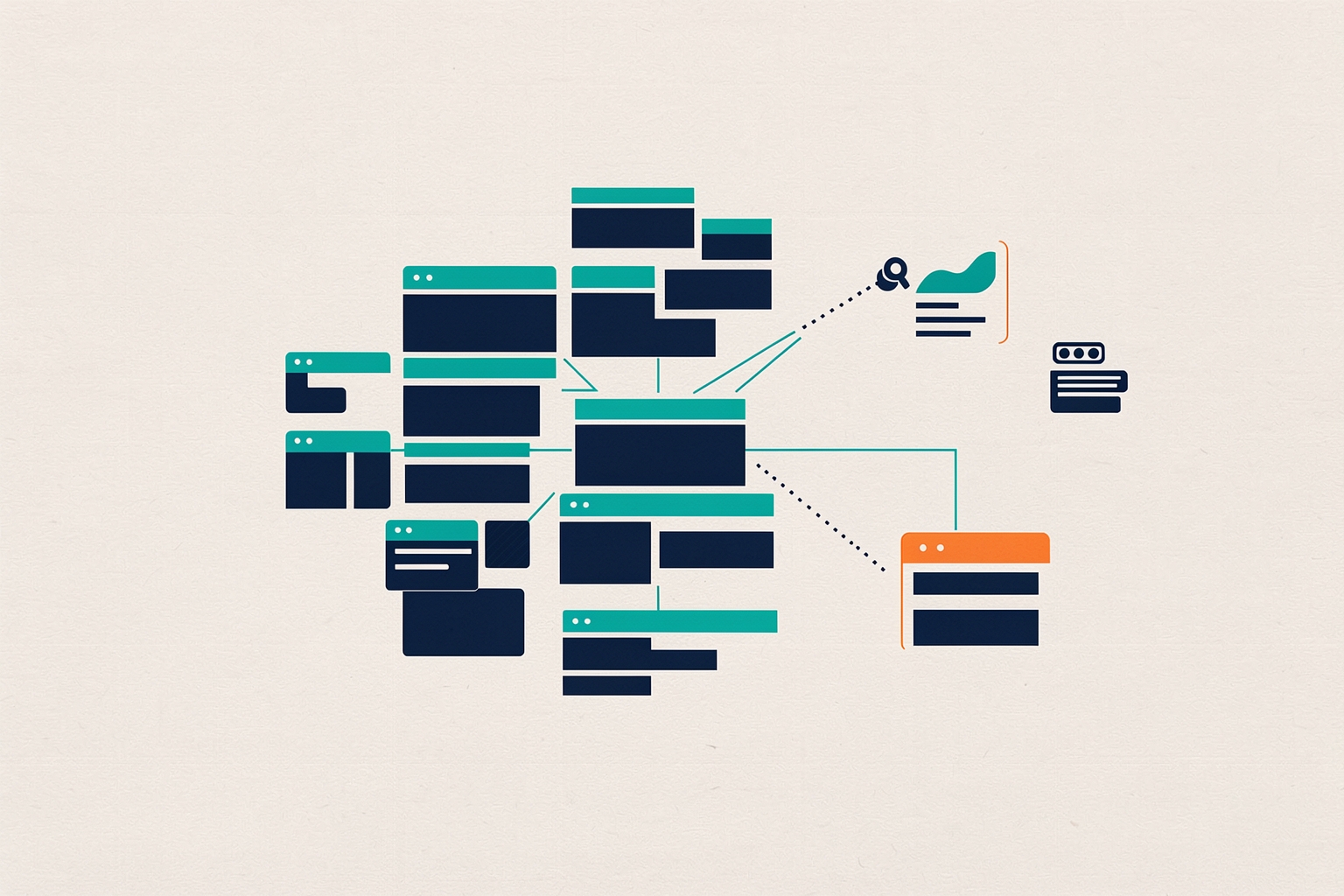
An orphan page is a URL that has no internal links pointing to it.
Crawlers that follow links from your homepage never reach it, so visitors and search engines both struggle to find it.
Screaming Frog defines an orphan page as any URL with no observed linking path from the start point of a crawl, usually the homepage. Screaming Frog
Orphan pages matter for two reasons.
First, users may have trouble reaching them, which hurts the experience your site delivers.
Second, a page without internal links misses out on the signals internal links pass.
Screaming Frog notes that orphan pages can still be indexed via historical links, sitemaps or external links. Screaming Frog
Without internal links, however, they receive no internal PageRank, which affects their scoring and organic performance.
A small number of orphan pages is common and usually not a problem.
At scale, though, they can contribute to index bloat, waste crawl budget, create competing pages, or surface outdated content to users who find it through search. Screaming Frog
Why orphan pages happen
Orphan pages rarely appear because someone made one big mistake.
They accumulate through ordinary operations:
- Old pages get unlinked during a redesign but stay published.
- Site architecture changes and a section loses its navigation path.
- Products go out of stock but the product pages still exist.
- The CMS generates additional URLs as part of page templates, so pages exist that nobody deliberately created. Screaming Frog
For revenue and marketing teams, the pattern is familiar: content published for a campaign, a landing page built outside the main template, or a resource created by another team.
The page went live, the campaign ended, and the link back to it disappeared with the campaign page.
The core method: compare crawl data against other URL sources
You cannot find orphan pages by crawling links alone, because a crawler that follows links will never see them.
The practical approach is to crawl the site normally, then bring in additional URL sources and compare.
Screaming Frog identifies three useful sources: XML sitemaps, Google Analytics, and Google Search Console. Screaming Frog
Each source catches a different kind of orphan:
- XML sitemaps catch pages you deliberately published and listed, but forgot to link.
- Google Analytics catches pages that receive traffic, including pages people reach through bookmarks, campaigns, or old external links.
- Search Console catches pages earning impressions in search, which means Google knows about them even if your own site does not link to them.
A URL that appears in one of these sources but not in your crawl's link structure is a candidate orphan.
Confirm by checking whether any internal link points to the page. Screaming Frog
Orphan pages can link to each other, so a page linked only from another orphan is still effectively orphaned.
Running the detection in Screaming Frog
If you use the Screaming Frog SEO Spider, the documented workflow looks like this.
A licence is required to crawl the whole website with the API integrations enabled. Screaming Frog
- Enable sitemap crawling. Under Configuration, Spider, Crawl, select 'Crawl Linked XML Sitemaps'. You can auto-discover sitemaps via robots.txt, which requires a Sitemap entry there, or supply the sitemap URL directly.
- Connect Google Analytics. Under Configuration, API Access, connect to the Analytics API and pull data for a specific account, property and view during the crawl. Choose the 'Organic Traffic' segment to find orphan pages receiving organic search traffic, and set a date range of at least a month. You can switch the segment to 'All Users' or 'Paid Traffic' if you also want orphans reached through other channels.
- Crawl new URLs discovered in Analytics. In the General tab of the Analytics configuration, enable this option. If you skip it, Analytics-discovered URLs appear only in the Orphan Pages report and are not added to the crawl queue or shown under the other tabs and filters.
- Connect Search Console. Under Configuration, API Access, connect the Search Analytics API and choose the correct property. This surfaces pages receiving impressions but no internal links. Again, set a date range of at least a month.
- Crawl new URLs discovered in Search Console. Enable this in the Search Analytics tab of the Search Console configuration, for the same reason as the Analytics option.
- Crawl the site and wait for completion. Enter the website URL and start the crawl, monitoring progress through the API tab, and wait until it reaches 100%.
- Run crawl analysis. The three 'Orphan URLs' filters, under the Sitemaps, Analytics and Search Console tabs, only populate after you run Crawl Analysis at the end of the crawl.
The result is three lists of URLs that exist outside your internal link graph, each tagged by how it was discovered.
That tagging matters when you decide what to do next.
Checking index status for orphan candidates
Discovery is only half the job.
Before deciding the fate of an orphan page, it helps to know whether Google has indexed it.
The URL Inspection API returns the data Search Console holds about a URL's indexed version, including index status, coverage and rich-result information. Screaming Frog
It can be checked in bulk.
Screaming Frog integrates this API, pulling data for a limited number of URLs per property each day alongside normal crawl data.
If you hit the daily per-property limit, the documented options are to wait and re-spider the next batch of URLs. Screaming Frog
Alternatively, verify multiple subdomains and subfolders as separate properties, each with its own daily limit, and enable the 'Use Multiple Properties' setting.
For orphan review specifically, index status changes the decision.
An orphan page that is indexed and earning impressions is a live asset with a discoverability problem.
An orphan page that is not indexed at all may be a cleanup candidate rather than a fix candidate.
Deciding what to do with each orphan page
Once you have your list, sort candidates into four groups.
The right action differs for each.
Valuable pages: link them in
If the page serves a real purpose, such as a strong guide, service page or product page unlinked during a migration, add internal links from relevant pages.
This restores the path for users and lets the page receive the signals internal links pass. Screaming Frog
For a systematic process, our guide on how to find internal linking opportunities covers choosing a method that fits your site.
Outdated pages: remove or redirect
Old campaign pages, expired offers and retired products often should not exist at all.
Decide between deleting the page and redirecting it to the closest relevant destination.
Check whether the page still earns traffic or impressions before removing it.
A page with ongoing search presence may deserve a redirect to preserve that path rather than plain deletion.
Duplicate or competing pages: consolidate
Screaming Frog flags competing pages as one of the risks of orphan pages at scale. Screaming Frog
If an orphan covers the same topic as a linked page, consolidate them with a redirect to the canonical page to avoid splitting relevance.
Template-generated URLs: fix the source
When the CMS creates URLs as a by-product of templates, the fix belongs in the CMS configuration, not in individual pages.
Otherwise the orphans will reappear after every cleanup.
Prevention: make linking part of publishing
Detection is a recurring cost.
Prevention is a one-time process change.
Two habits reduce future orphans:
- Require every new page to have at least one internal link from an existing page before it goes live, and add the new page's link from a relevant hub or related article at the same time.
- When you unpublish or restructure anything, audit the links that pointed to it, not just the page itself.
Google's starter guidance lists promoting your website among the ways to help search engines discover your content faster. Google Search Central
Internal linking is the structural half of that: it tells users and crawlers what exists and what matters.
For pages that are linked but still underperforming, orphan detection pairs well with impression analysis.
Our article on prioritizing high-impression zero-click pages covers the next diagnostic step once a page is discoverable.
If some orphan candidates are reference content, our piece on turning glossary pages into commercial SEO support shows how to connect informational pages to revenue pages.
A practical cadence for ongoing detection
Because orphan pages accumulate quietly, treat detection as a scheduled check rather than a one-off project.
A reasonable cadence for most teams is to rerun the crawl-and-compare process after major site changes, such as migrations, redesigns or CMS updates.
Also rerun it on a regular interval in between.
The exact interval depends on how often your team publishes and how many people can create pages outside your standard workflow.
Keep the output of each run: a dated list of orphan candidates, the discovery source for each, and the action taken.
Over a few cycles you will see which causes recur on your site, such as campaign pages, template artifacts or migration leftovers.
You can then fix the process that keeps producing them.
How Meshline can help. Connect automation, Organic Marketing (demand generation), and customer lifecycle management (Revenue Intelligence).
Bring topic planning, content publishing and performance feedback into the conversation about your workflow. Book a Meshline demo.