
 MeshLine
How to Get Sitelinks in Google Search Results (and What to Do When None Appear)
Learn how Google picks sitelinks, which site structure and internal linking practices improve your chances, and how to diagnose results that show none.
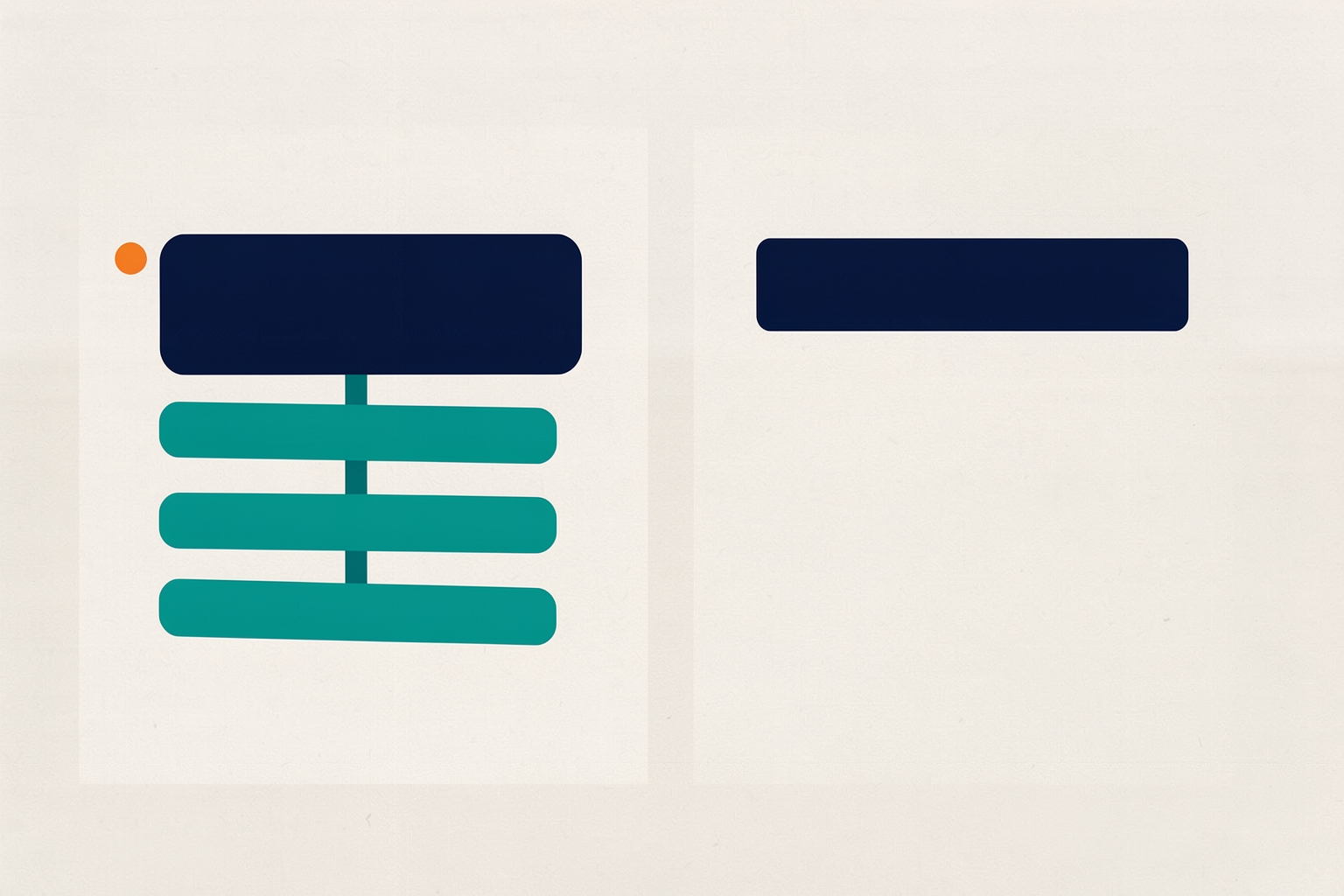
Sitelinks are the extra links that sometimes appear under your main result in Google Search.
They give searchers shortcuts to important pages on your site, and they make your listing take up more space on the page.
Many marketing and revenue teams want them, but few understand how Google actually decides to show them.
Here is the honest starting point: you cannot directly request sitelinks.
Google describes them as automated, and its systems decide when they are useful for a given query.
What you can do is make your site easy for those systems to read, and fix the common issues that stop good sitelinks from appearing.
This article walks through both.
What sitelinks are and how Google chooses them
According to Google's documentation, sitelinks are links from the same domain that are clustered together under a text result.
Google's systems analyze your site's link structure to find shortcuts that save users time and help them quickly find what they need.
Google's sitelinks documentation is explicit that sitelinks only appear when Google thinks they will be useful to the user.
That last condition matters more than most teams expect.
Sitelinks are query-dependent.
The same domain can show sitelinks for one search and none for another, because the algorithm judges relevance per query.
If your site structure does not give the algorithms good candidates, or Google does not consider the candidates relevant to the query, it simply shows a plain result.
For an operator, this reframes the goal.
You are not chasing a switch you can flip.
You are reducing the reasons Google might decline to show sitelinks, and making your most important pages unambiguous.
Google's stated best practices, translated into actions
Google lists a small set of best practices for sitelinks.
Each one maps to concrete work your team can schedule.
Write informative, compact titles and headings
Google recommends making page titles and heading text informative, relevant, and compact.
Sitelink labels are drawn from how Google understands your pages, so vague or padded titles give the algorithm nothing useful to cluster.
A page titled simply “Services” competes with every other generic page on your site.
A title that names the specific service gives Google a clearer shortcut candidate.
Compact also means short enough to display cleanly.
Long, keyword-stuffed titles truncate and lose the distinguishing words that make a sitelink meaningful.
Build a logical site structure
Google asks for a structure that is easy for users to navigate, with important pages linked from other relevant pages.
In practice, key pages should be reachable in a few clicks from the homepage.
They should appear in navigation and in-context links, not in isolation.
A useful self-check: pick your five most commercially important pages.
Can a first-time visitor reach each one from the homepage using obvious navigation?
If a page is only reachable through a search box or a buried footer link, Google has less evidence that it deserves shortcut status.
Keep internal anchor text concise and relevant
Google specifically calls out internal link anchor text: it should be concise and relevant to the page being pointed to.
Anchor text is one of the strongest signals about what a linked page is for.
When the same page is linked with five different vague anchors, or when many unrelated pages share identical anchors, the signal blurs.
This is where a crawl tool earns its keep.
Screaming Frog's SEO Spider collects aggregated and granular anchor text across internal links.
It identifies non-descriptive anchors, link counts and crawl depth by directory. Screaming Frog describes these capabilities on its product page.
Avoid repetition in your content
Google also advises avoiding repetitions in your content.
When several pages cover nearly the same ground, the algorithm has no clear single candidate for a shortcut.
Consolidating or clearly differentiating overlapping pages removes that ambiguity.
This is a content decision as much as an SEO one, and it often surfaces during a broader content audit rather than a sitelink-specific one.
Why your sitelinks are not showing
When a branded or navigational search shows no sitelinks, work through the likely causes in order of how commonly they explain the problem.
The structure does not surface clear candidates
If your important pages are not linked prominently from other pages, Google's analysis of your link structure may not surface them as shortcuts.
Flat, shallow sites with a homepage and a handful of loosely connected pages often fall into this category.
So do sites where navigation is image-based, JavaScript-only, or inconsistent across templates.
Titles and headings are ambiguous
Generic labels like “Solutions,” “Resources,” or “Learn More” give the algorithm nothing to distinguish.
If multiple pages could plausibly match a shortcut, Google may show none rather than guess.
The query does not call for sitelinks
Remember the per-query judgment.
A long, specific informational query may simply not benefit from shortcuts, so Google omits them even for well-structured sites.
Before assuming something is broken, check whether comparable, well-known sites show sitelinks for the same query.
If they do not, the absence is probably normal.
Indexing and crawl issues interfere
If Google cannot reliably crawl or index your pages, it cannot cluster them.
Broken links, redirect chains, and pages blocked by robots.txt all degrade the picture Google builds of your site.
A crawl that reports errors, redirect chains, and blocked URLs will show whether these issues exist at scale.
Screaming Frog's tool documents exactly this reporting, including client and server errors, redirect chains and loops, and URLs disallowed by robots.txt.
The same crawl data also covers page titles and headings, so one pass can check several of Google's stated practices at once.
How to remove a sitelink you do not want
Sometimes the problem runs the other way: Google shows a sitelink to a page you would rather not feature, such as an outdated careers page or a legacy product.
Google's guidance here is direct.
To remove a sitelink, consider removing the page or using noindex. Google's documentation offers no direct demotion control for site owners.
Before removing or noindexing a page, weigh the tradeoffs.
Removing a page eliminates any traffic and internal linking value it carries.
Noindexing keeps the page reachable for users but takes it out of search results.
Either way, the change affects more than sitelinks, so treat it as a content and information-architecture decision, not a cosmetic tweak.
Also note that Google notes it may incorporate site owner input in the future, so the control picture could change, but today the levers are structural.
A practical audit sequence for your team
For a revenue or marketing team coordinating across existing tools, this sequence fits into a normal optimization cycle without a dedicated project.
- Confirm the baseline. Search your brand and key navigational queries. Record which results show sitelinks and which do not, so you have an observable before-state rather than a memory.
- Crawl the site. Run a full crawl to collect internal links, anchor text, titles, headings, errors, and crawl depth. This gives you the raw material for every subsequent check.
- Audit anchor text. Look for non-descriptive anchors and for important pages linked with inconsistent wording. Rewrite anchors so each key page has concise, relevant, reasonably consistent anchor text from relevant pages.
- Check reachability. Verify that your priority pages are linked from navigation and from other relevant pages, not just from the sitemap.
- Review titles and headings. Flag generic, duplicated, or overly long titles on candidate pages and rewrite them to be informative and compact.
- Resolve repetition. Identify near-duplicate pages and consolidate or differentiate them so each shortcut candidate has a distinct purpose.
- Fix crawl blockers. Address broken links, redirect chains, and accidental robots.txt blocks that could prevent Google from reading your structure.
- Recheck over time. Sitelinks are algorithmic and query-dependent, so recheck your baseline searches on a regular cadence rather than expecting an immediate change.
Step eight deserves emphasis.
Because Google decides per query and per user, changes to your site will not produce a same-day sitelink result, and no amount of optimization guarantees them.
The realistic outcome of this work is a site where Google has every signal it needs, so that when its systems judge sitelinks useful, your best pages are the candidates.
Where sitelinks fit in a broader search program
Sitelinks are a visibility detail, not a strategy.
They reward the same fundamentals that drive broader organic performance: clear structure, descriptive titles, deliberate internal linking, and content without redundancy.
Teams that treat them as a byproduct of good architecture tend to see better results than teams that chase them directly.
If you are already monitoring performance data, sitelink checks fit naturally alongside your existing Search Console routine.
For a deeper look at turning ranking data into action, see how to use Google Search Console to find organic growth opportunities.
To decide how often to revisit checks like these, set a monitoring cadence that matches your publishing rhythm.
If a new page is not appearing, start with when to request indexing in Google Search Console.
Indexing problems sit upstream of sitelinks entirely.
For teams building search visibility systematically, the same crawl-and-audit discipline that supports sitelinks also feeds topic planning and content decisions.
A workflow that moves from search intent to a reviewed article shows how those pieces connect.
Search Console automation for teams covers turning ranking data into recurring revenue workflows.
The core takeaway: sitelinks cannot be requested, only earned through structure.
Make your important pages easy to find, easy to label, and unambiguous, then let Google's systems do the clustering.
How Meshline can help. Connect automation, Organic Marketing (demand generation), and customer lifecycle management (Revenue Intelligence).
Bring topic planning, content publishing and performance feedback into the conversation about your workflow. Book a Meshline demo.